
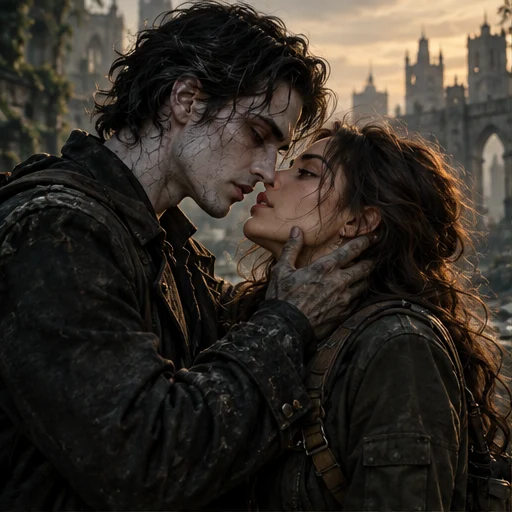
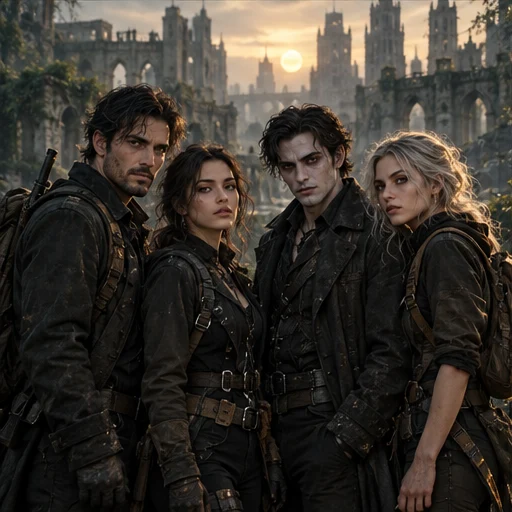
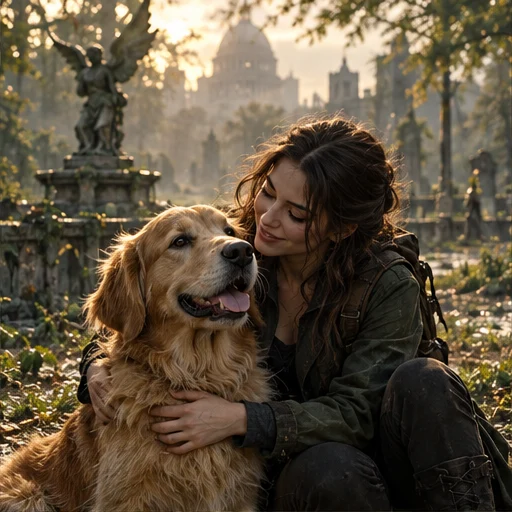
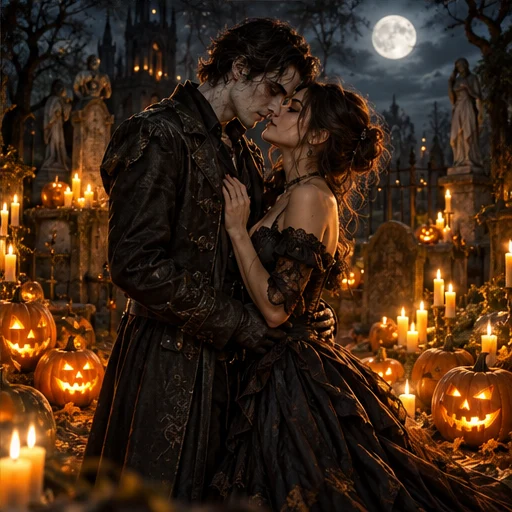
Deine KI-Zombiegeschichte

KI-Zombie-Videogenerator

Verwandle deine Fotos in ein filmisches Zombievideo. Wähle die Szene, gestalte die Handlung und bestimme das Ende. Ohne Prompts oder Videoschnitt.

  • Eigene Schauplätze
  • 4 Handlungen
  • 3 Enden

Der ÜberlebendeCharacter 1

Foto hochladenBest results with clear faces

Der ZombieCharacter 2

Foto hochladenBest results with clear faces

Choose your scene

500 credits15s · 768p · MP4

Ready to create your AI zombie video?

Der Überlebende
Der Zombie

15s · 768p · 9:16 · Toneinstellungen werden geprüft…

500 credits

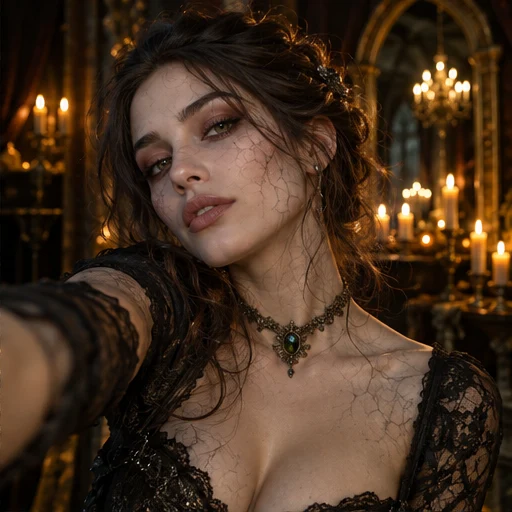
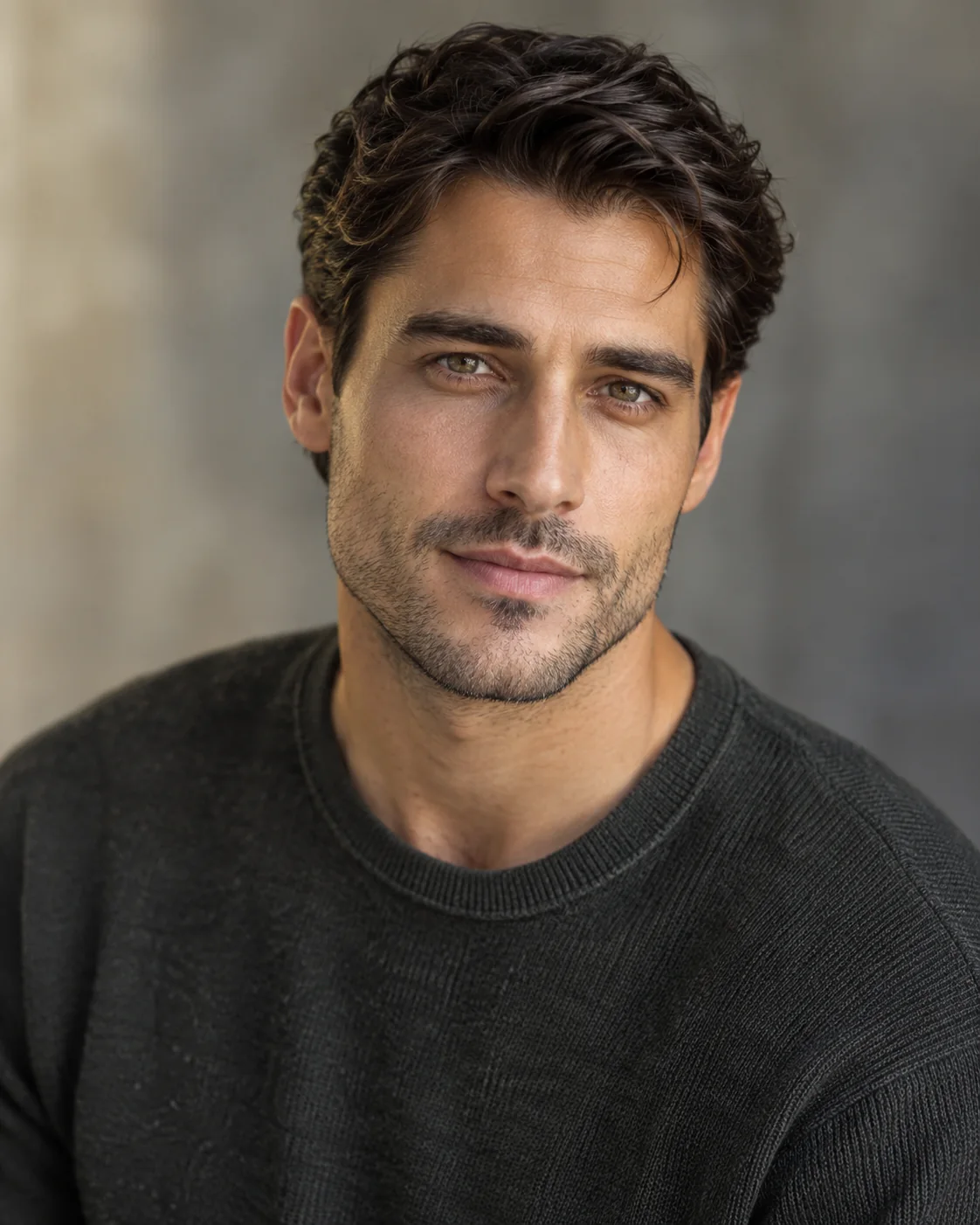
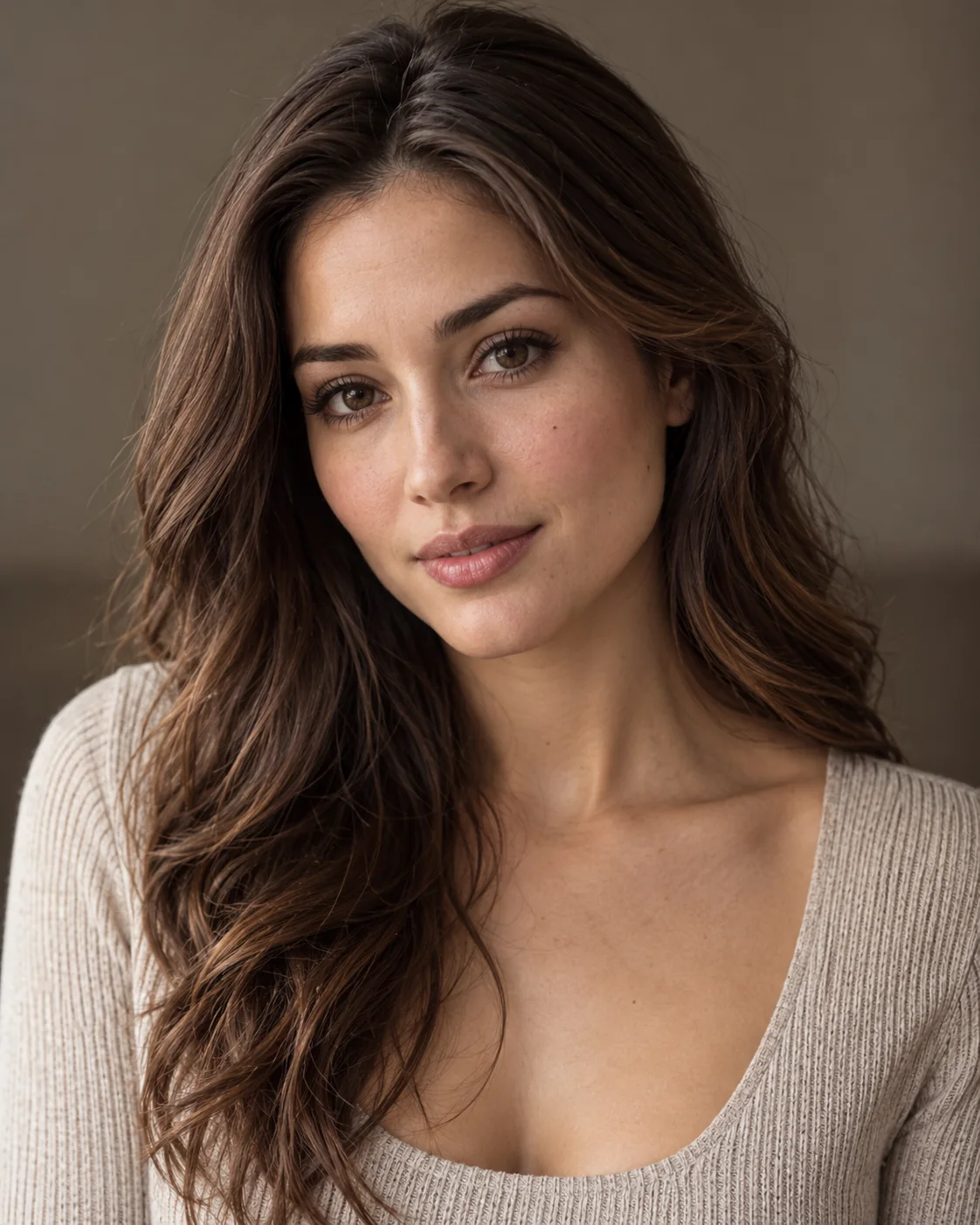
The first portrait is the survivor. The second is the person who turns into a zombie. Both photos guide an AI-generated reunion story.

KI-ZOMBIEGESCHICHTEN

From Your Photos to a Zombie Story

Open a video to compare its original reference photos with the full output, story details and measured video properties. Illustrated ideas are labeled Story concept.

VARIANTEN ENTDECKEN

Verschiedene Stile.
Eine unvergessliche Geschichte.

Probiere verschiedene Stile für dein Zombievideo. Von romantisch bis spannend findest du die passende Szene.

SO FUNKTIONIERT’S

Deine Fotos. Deine Zombiegeschichte.

Wähle die Figuren, gestalte die Geschichte und prüfe dein Video. Ohne Prompts oder Schnitt.

  1. Lade deine Fotos hoch

    Nutze zwei Fotos für Klassisch, Romanze oder Haustiere. Für Freundschaft kannst du 1–4 Porträts hochladen und Rollen zuweisen.

    Foto hochladenJPG, PNG oder WebP · Max. 8 MB pro Foto
    Beispielfotos ausprobieren
    Der Überlebende
    Der Überlebende
    Der Zombie
    Der Zombie
  2. Gestalte deine Geschichte

    Nutze die klassische Geschichte oder wähle Beziehung, Handlung und Ende. Passe die Videoeinstellungen bei Bedarf an.

    BeziehungPaarPaar
    HandlungWiedersehen
    EndeEmotional
    Video erstellen

    Szene und Videoeinstellungen wählen

    SzeneBewegungTon
  3. Erstellen und herunterladen

    Prüfe das Storyboard, falls angeboten, und erstelle das Video. Kontrolliere Bild und Ton vor dem Teilen.

    15s
    Illustrative Demo; kein verifizierter Ein-/AusgabefallBeispiel herunterladenInspiration teilenMP4 Ton
Anleitung lesen
WHAT’S TRENDING

What is the
AI Zombie Live Trend?

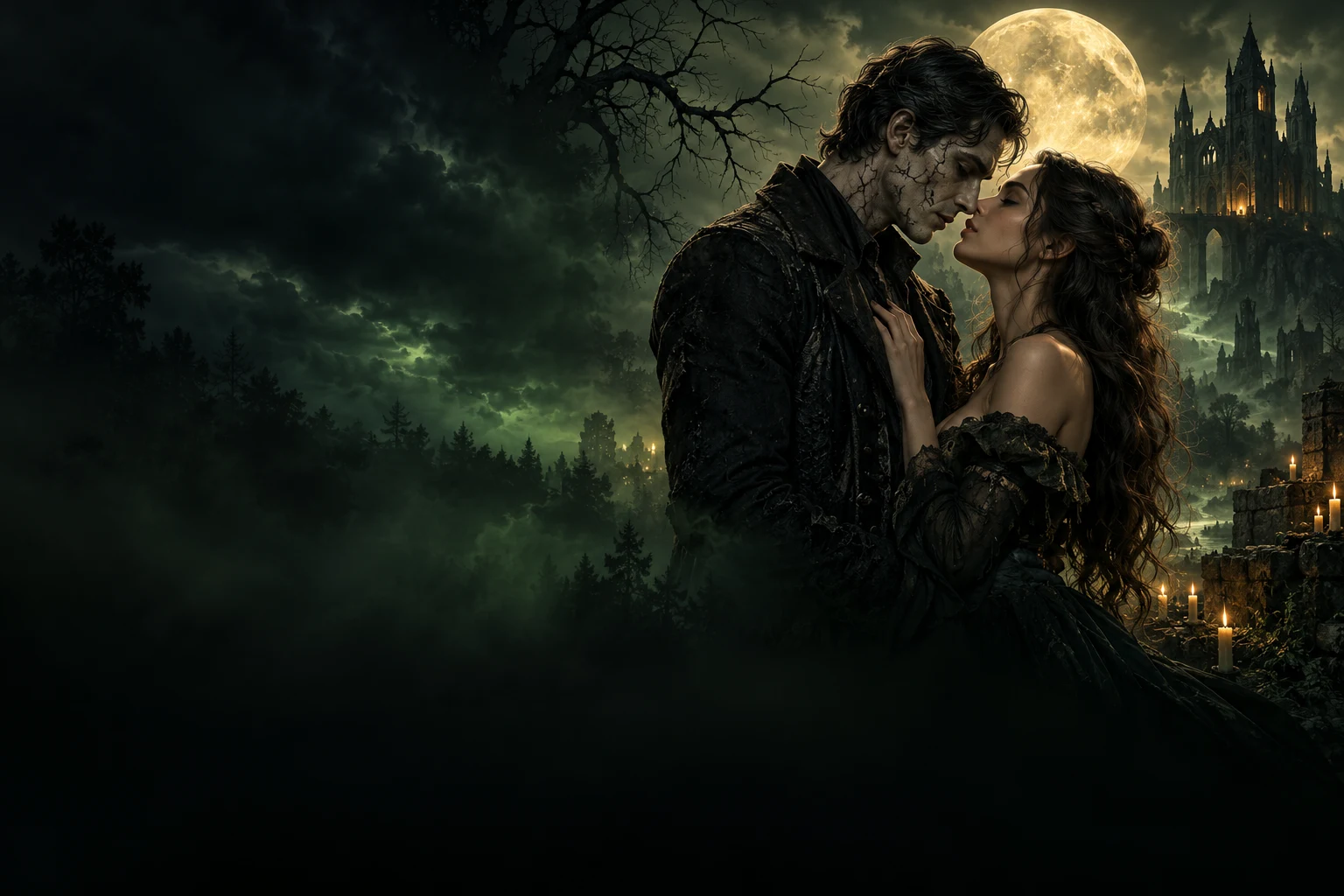
AI Zombie Live transforms ordinary photos into cinematic zombie love stories and emotional apocalypse scenes. Couples, friends, and pets become the stars of a moody, unforgettable story world.

INSIDE THE STORY

Key moments inside the AI Zombie Live video

  1. 010 – 2 s

    The first glance

    A close, intimate opening where the characters face each other and the mood is set instantly.

  2. 022 – 4 s

    The transformation

    A subtle undead shift appears through makeup, texture, and cinematic tension.

  3. 034 – 6 s

    The approach

    They move closer through fog, moonlight, and emotion, pulling the story forward.

  4. 046 – 8 s

    The touch

    A hand reaches in, creating the emotional connection that anchors the whole scene.

  5. 058 – 11 s

    The embrace

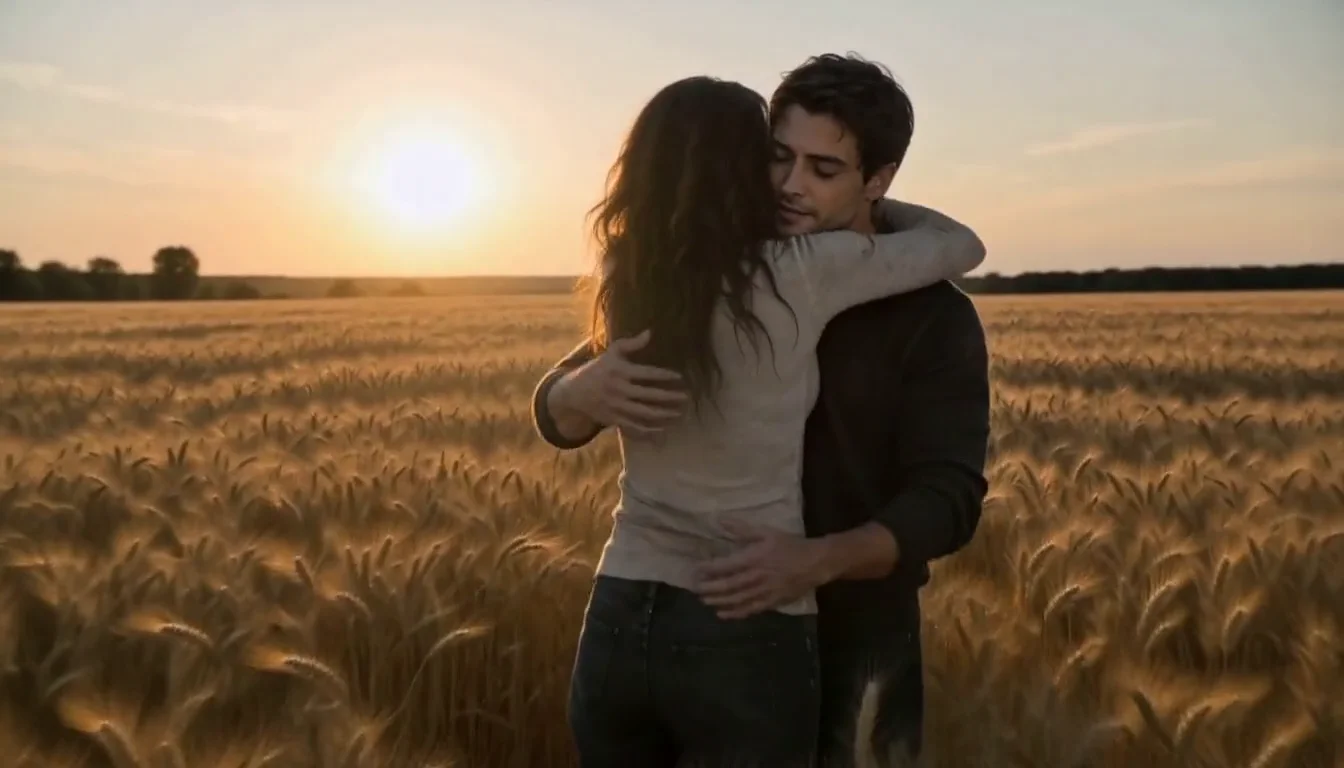
    Love, friendship, or companionship survives the apocalypse in a dramatic close moment.

  6. 0611 – 15 s

    The final reveal

    The full AI Zombie Live scene lands with a memorable, cinematic ending ready to share.

The look: dark romance, cinematic green atmosphere, emotional tension, and a story-led undead world.

PRODUCT FACTS

AI Zombie Live at a Glance

Everything you need to know about the AI Zombie Live Video Generator.

What it does
Turns your character photos into a cinematic zombie-themed video featuring the people or pets in your photos.
Input
2 photos for Classic, Romance or Pet Adventure; 1–4 individual portraits for Friendship, in either the human or zombie group.
Output
MP4 in 9:16 portrait or 16:9 landscape. Classic: 5s / 15s / 30s when available; Custom Story: 15s; Pet: 5s / 10s / 15s. Resolution and audio are shown for the selected mode in the studio.
Video styles
Classic Zombie Trend, or Custom Story with couple, friends and pet relationships, four plots — reunion, rescue, escape or transformation — and three endings: warm memory, escape together or infection twist.
Audio
Classic & Custom Story: Toneinstellungen werden geprüft…. Pet video: Toneinstellungen werden geprüft…. Music is optional when available; check the selected mode in the studio.
Price
Reference price: 500 credits for 15s. Check the studio quote for your selected mode and settings before generating.View pricing
Generation time
Usually a few minutes. Queue and processing times can vary with server load.
No editing needed
Completely automatic. No video editing skills required.
Photo requirements
Use clear, well-lit photos with visible, front-facing faces. Avoid blur, darkness and heavy obstructions.
Privacy & usage
Only use photos you have permission to use. Review the upload privacy options.Learn more
If it fails
Video credits are returned automatically if generation fails.
PHOTO TIPS

Use Clear Photos
for the Best Results

Better photos lead to more realistic and cinematic zombie videos. Follow these simple tips when uploading your photos.

Good Photo Examples

Clear face, good lighting, front facing

Example of a clear, front-facing portrait
Clear face
Example of a portrait in even lighting
Good lighting
Example of a pet with a visible face
Front facing

Bad Photo Examples

These may lead to poor results or face distortion

Illustration of an overly blurry portrait
Blurry face
Illustration of a portrait that is too dark
Too dark
Illustration of a portrait with the eyes covered
Face covered

More Useful Tips

  • Use front-facing photos with visible faces

  • Choose natural and even lighting

  • Avoid hats, masks or heavy filters

SIMPLE, TRANSPARENT PRICING

Choose Your Next Story

Start small or create a little more. One-time credit packs. No subscription required.

Quick

$4.90one-time

300 credits · choose your video lengths

  • 300 credits
  • 1 × 5s videos
  • + 100 credits left for future videos
  • 5s / 10s / 15s · MP4
  • ≈ $ 4.90 / 5s video

Single

$9.90one-time

700 credits · choose your video lengths

  • 700 credits
  • 1 × 15s videos
  • + 200 credits left for future videos
  • 5s / 10s / 15s · MP4
  • ≈ $ 9.90 / 15s video

Creator

$69.90one-time

5,500 credits · mix your video lengths

  • 5,500 credits
  • 11 × 15s videos
  • 5s / 10s / 15s · MP4
  • ≈ $ 6.35 / 15s video

AI Zombie Live Zombie video tools compared

Compare scene, story and ending controls alongside price, audio and sign-in requirements.

Swipe to compare all platforms

AI Zombie Live — Zombie video tools compared
FeatureAI Zombie Liveaizombie.liveZombieHugaizombie.appAI Zombieaizombie.coZombie Hugaizombietrend.com
Scene controlsOptional memory-location noteSnow cabin, rainy city or ruined chapelClassic, pumpkin patch or marigold field
Story controlsPrepared reunion storyPrepared reunion storyPrepared reunion story
Ending controlsWarm memory ending on the reviewed pageWarm memory ending on the reviewed pageWarm memory ending on the reviewed page
Photo input2 photos2 photos2 photos
Clip length15s15s15s
AudioGenerated sound advertisedGenerated sound advertisedGenerated sound advertised
One-time purchase examples$9.99 / 15s · 720p$2.99 / 15s H3 trial; $6.90 Seedance pack$6.90 / 15s · 720p
Account neededNo sign-up advertisedSign-in requiredEmail checkout; no sign-in advertised
Published examplesSample render with stock actorsVideo examples alongside input photosVideo examples alongside input photos
Official sources:AI Zombie LiveZombieHugAI ZombieZombie Hug

Based on official public pages, not paid generation tests. Prices are in USD and may change; model tiers differ and credits are not interchangeable. AI outputs vary. A control not listed on a reviewed page may exist elsewhere.

Public pages checked: October 21, 2026.

GESCHICHTENIDEEN

Etwas Inspiration. Endlose Geschichten.

Jede große Geschichte beginnt mit „Was wäre, wenn?“

VOR DEM ERSTELLEN

AI Zombie FAQ

Fotos, Erstellung, Ton, Guthaben und dein fertiges Video.

Was ist ein KI-Zombie-Videogenerator?

Er verwandelt zwei Porträtfotos in eine kurze, fiktive Zombiegeschichte. Eine Person überlebt, die andere wird zum Zombie. Die KI nutzt beide Fotos als Figurenreferenzen für Szenen, Bewegung und Ton.

Wie viele Fotos brauche ich?

Nutze zwei klare Fotos für Klassisch, Romanze oder Haustierabenteuer: je ein einwilligender Erwachsener pro Porträt oder ein Erwachsener und sein Haustier. Eigene Geschichte → Freundschaft unterstützt 1–4 Einzelporträts mit Menschen- oder Zombierollen. Prüfe Rollen, Optionen, Ton und Guthaben vor dem Start.

Muss ich einen Prompt schreiben oder das Video bearbeiten?

Nein. Wähle Klassisch für ein vorbereitetes Wiedersehen oder Eigene Geschichte für Beziehung, Schauplatz, Wiedersehen, Rettung, Flucht oder Verwandlung und eines von drei Enden. Prüfe das Storyboard, falls angeboten. Gesichter, Bewegungen und Einstellungen können variieren.

Enthält das KI-Zombievideo Ton?

Aktuelle Einstellungen — Klassisch und Eigene Geschichte: Toneinstellungen werden geprüft…. Haustiere: Toneinstellungen werden geprüft…. Das Studio zeigt den Ton vor der Erstellung an. Musik ist nur enthalten, wenn die Option verfügbar und ausgewählt ist. Prüfe das fertige Video; der Demo-Soundtrack wird nicht kopiert.

Welche Videolängen und Qualität sind verfügbar?

Klassisch bietet 5 und 15 Sekunden sowie, wenn verfügbar, 30 Sekunden. Eigene Geschichte dauert 15 Sekunden. Haustiervideos bieten 5, 10 oder 15 Sekunden. Verfügbare Längen und Guthabenkosten werden vor der Erstellung angezeigt.

DEINE NÄCHSTE GESCHICHTE BEGINNT HIER

Manche Liebesgeschichten sterben nie.

Mach das Außergewöhnliche zu deinem. Zwei Fotos genügen.

Zombievideo erstellenMit KI erstellt. Von dir in Erinnerung behalten.