
AIでゾンビストーリーを作成

AIゾンビ動画生成ツール

写真を映画のようなゾンビ動画に。シーン、ストーリー、結末を自由に選べます。プロンプトや動画編集は不要です。

  • シーンをカスタマイズ
  • 4種類のストーリー
  • 3種類の結末

生存者Character 1

写真をアップロードBest results with clear faces

ゾンビCharacter 2

写真をアップロードBest results with clear faces

Choose your scene

500 credits15s · 768p · MP4

Ready to create your AI zombie video?

生存者
ゾンビ

15s · 768p · 9:16 · 音声設定を確認中…

500 credits

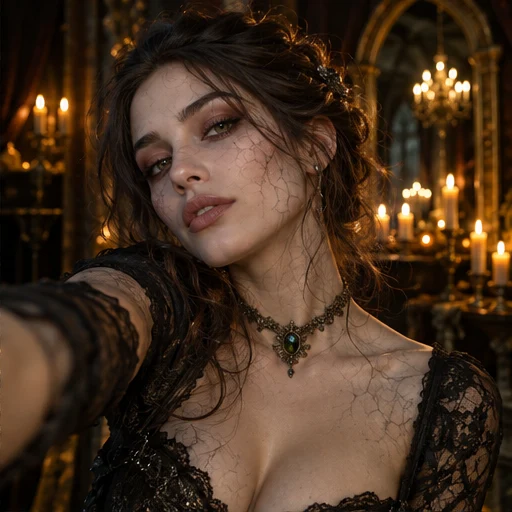
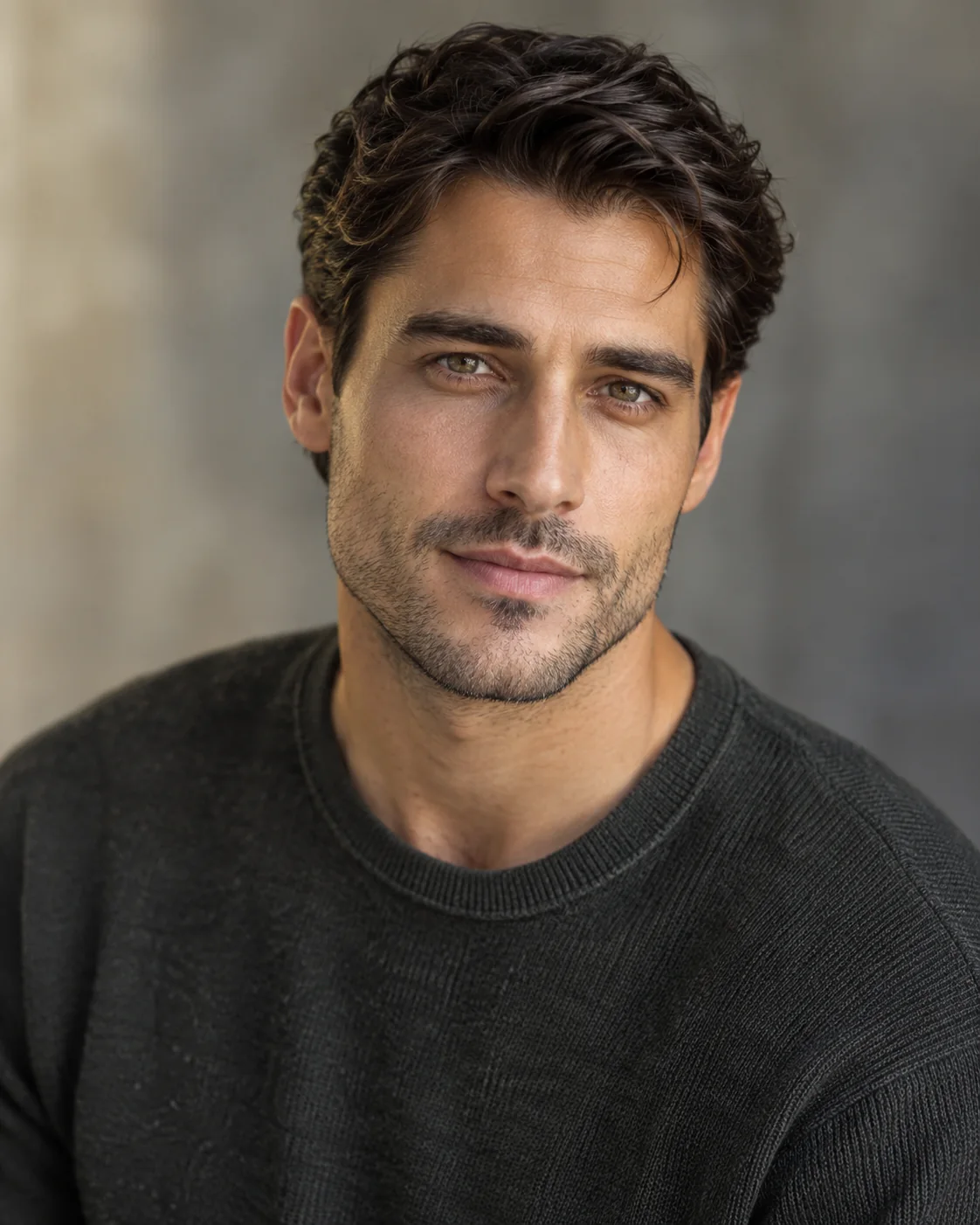
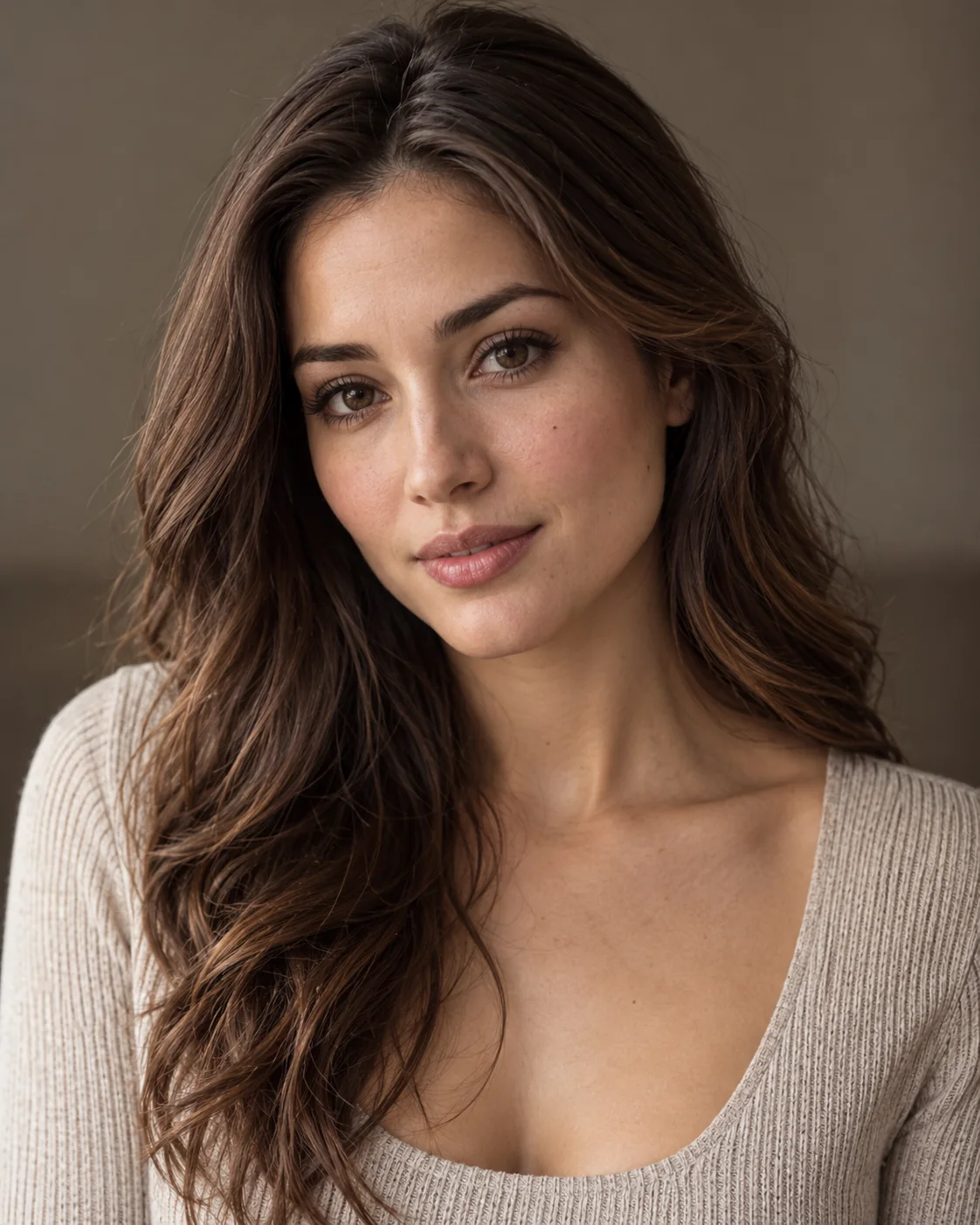
The first portrait is the survivor. The second is the person who turns into a zombie. Both photos guide an AI-generated reunion story.

AIゾンビストーリー

From Your Photos to a Zombie Story

Open a video to compare its original reference photos with the full output, story details and measured video properties. Illustrated ideas are labeled Story concept.

バリエーションを見る

さまざまなスタイル。
忘れられない物語。

ロマンスからスリラーまで、さまざまなスタイルで自分だけのゾンビ動画を作りましょう。

使い方

あなたの写真で、 あなただけのゾンビ物語。

登場人物とストーリーを選び、動画を確認するだけ。プロンプトや編集は不要です。

  1. 写真をアップロード

    定番、ロマンス、ペットでは2枚の写真を使います。友情では1〜4枚の顔写真をアップロードして役割を設定します。

    写真をアップロードJPG・PNG・WebP · 1枚最大8 MB
    サンプル写真を試す
    生存者
    生存者
    ゾンビ
    ゾンビ
  2. ストーリーを設定

    定番の物語を使うか、カスタムで関係、展開、結末を選びます。必要に応じて動画設定を調整できます。

    関係カップルカップル
    展開再会
    結末感動的
    動画を生成

    シーンと動画設定を確認

    シーン動き音声
  3. 生成してダウンロード

    表示された場合は絵コンテを確認してから生成します。共有前に完成動画と音声を確認してください。

    15s
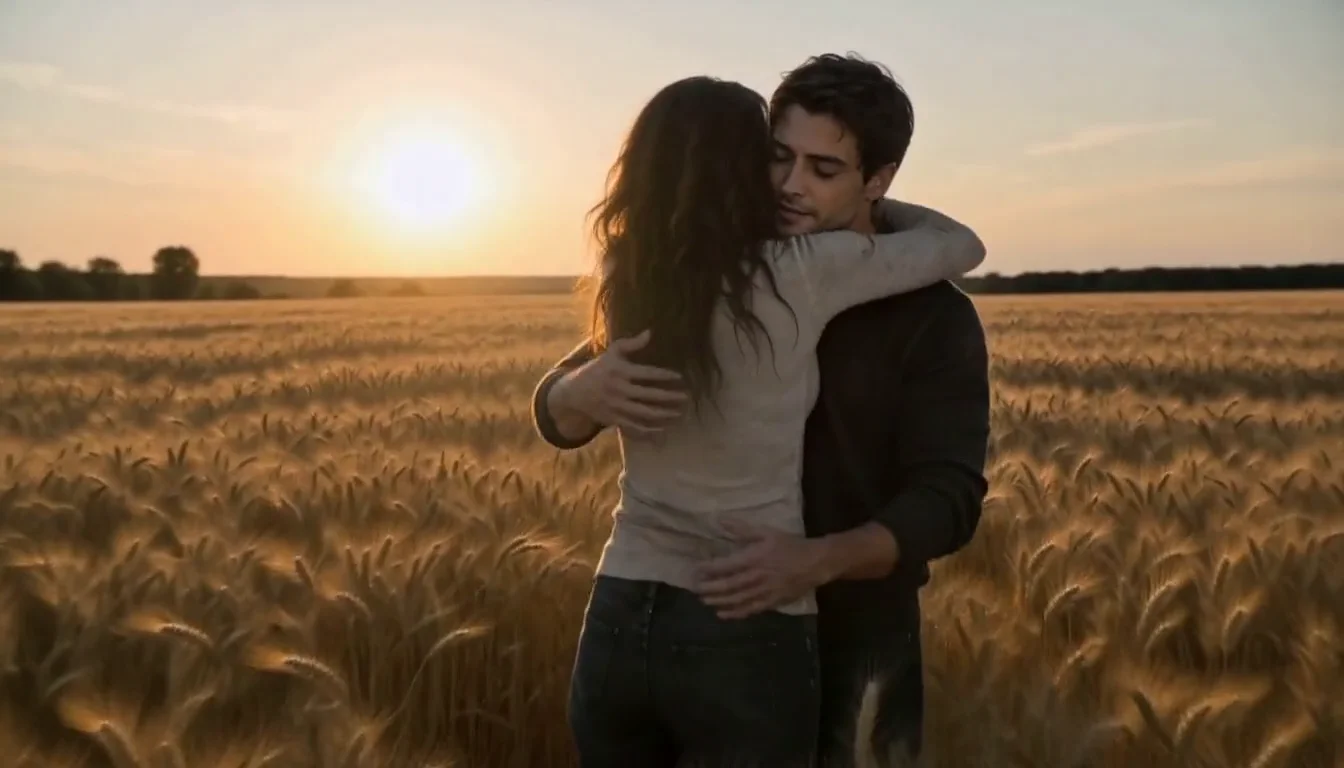
    イメージ動画です。入力と出力を検証した事例ではありませんサンプルをダウンロードアイデアを共有MP4 音声
作成ガイドを読む
WHAT’S TRENDING

What is the
AI Zombie Live Trend?

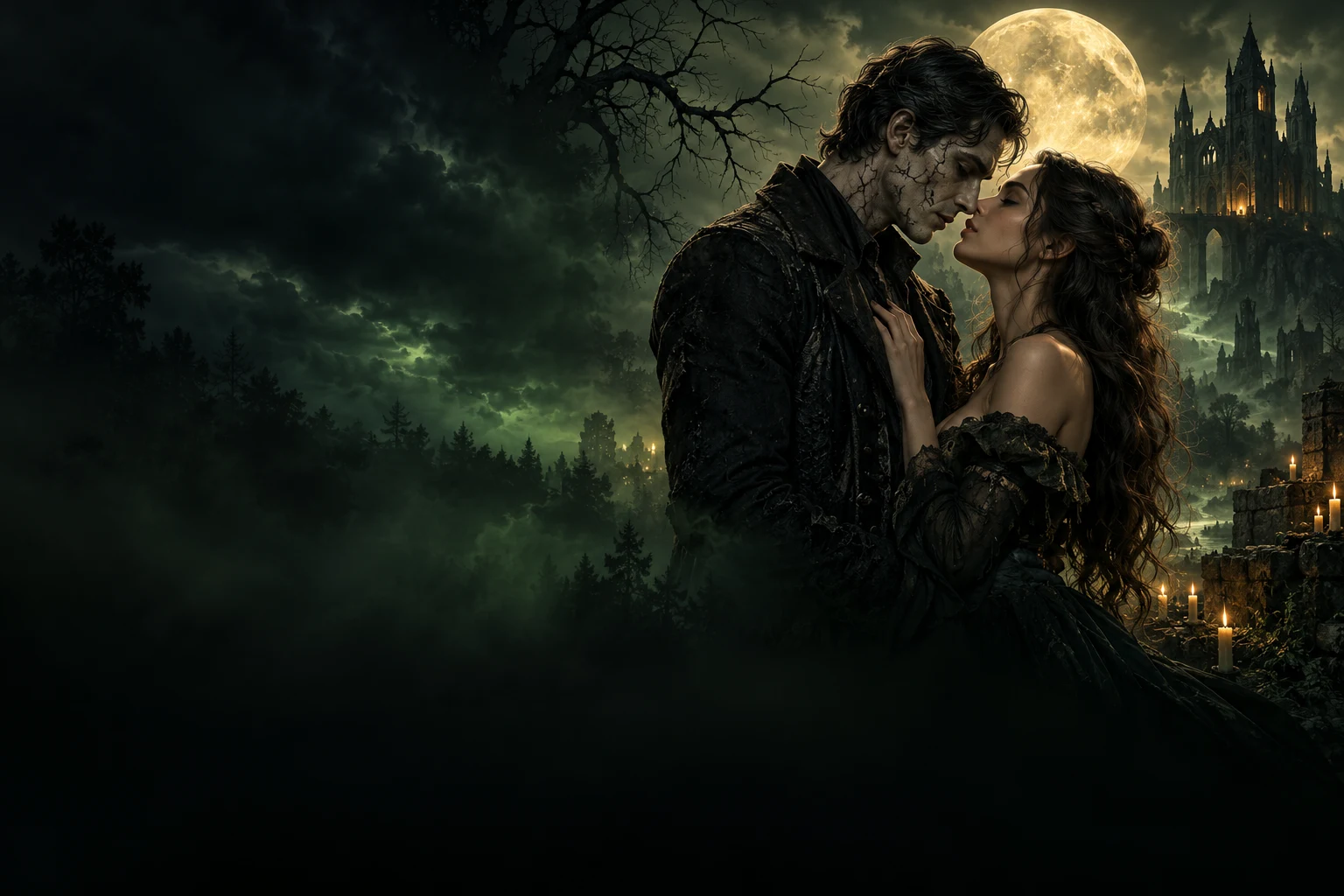
AI Zombie Live transforms ordinary photos into cinematic zombie love stories and emotional apocalypse scenes. Couples, friends, and pets become the stars of a moody, unforgettable story world.

INSIDE THE STORY

Key moments inside the AI Zombie Live video

  1. 010 – 2 s

    The first glance

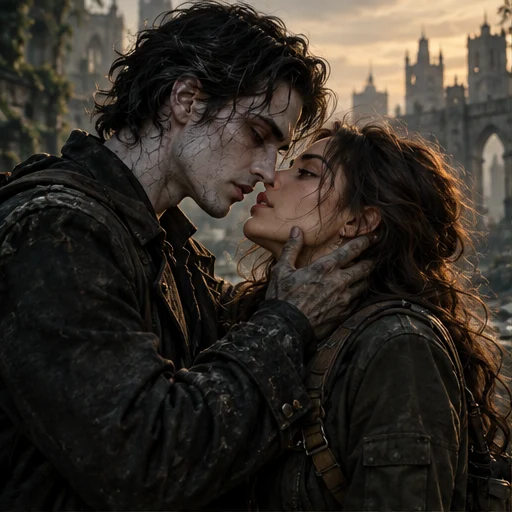
    A close, intimate opening where the characters face each other and the mood is set instantly.

  2. 022 – 4 s

    The transformation

    A subtle undead shift appears through makeup, texture, and cinematic tension.

  3. 034 – 6 s

    The approach

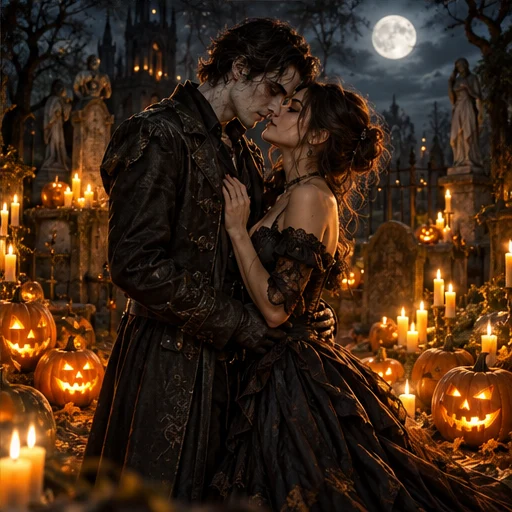
    They move closer through fog, moonlight, and emotion, pulling the story forward.

  4. 046 – 8 s

    The touch

    A hand reaches in, creating the emotional connection that anchors the whole scene.

  5. 058 – 11 s

    The embrace

    Love, friendship, or companionship survives the apocalypse in a dramatic close moment.

  6. 0611 – 15 s

    The final reveal

    The full AI Zombie Live scene lands with a memorable, cinematic ending ready to share.

The look: dark romance, cinematic green atmosphere, emotional tension, and a story-led undead world.

PRODUCT FACTS

AI Zombie Live at a Glance

Everything you need to know about the AI Zombie Live Video Generator.

What it does
Turns your character photos into a cinematic zombie-themed video featuring the people or pets in your photos.
Input
2 photos for Classic, Romance or Pet Adventure; 1–4 individual portraits for Friendship, in either the human or zombie group.
Output
MP4 in 9:16 portrait or 16:9 landscape. Classic: 5s / 15s / 30s when available; Custom Story: 15s; Pet: 5s / 10s / 15s. Resolution and audio are shown for the selected mode in the studio.
Video styles
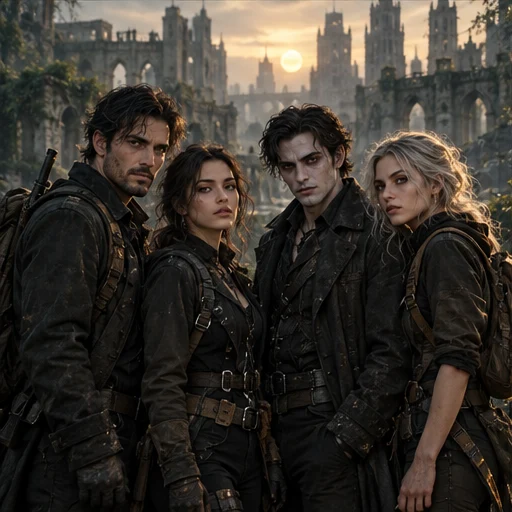
Classic Zombie Trend, or Custom Story with couple, friends and pet relationships, four plots — reunion, rescue, escape or transformation — and three endings: warm memory, escape together or infection twist.
Audio
Classic & Custom Story: 音声設定を確認中…. Pet video: 音声設定を確認中…. Music is optional when available; check the selected mode in the studio.
Price
Reference price: 500 credits for 15s. Check the studio quote for your selected mode and settings before generating.View pricing
Generation time
Usually a few minutes. Queue and processing times can vary with server load.
No editing needed
Completely automatic. No video editing skills required.
Photo requirements
Use clear, well-lit photos with visible, front-facing faces. Avoid blur, darkness and heavy obstructions.
Privacy & usage
Only use photos you have permission to use. Review the upload privacy options.Learn more
If it fails
Video credits are returned automatically if generation fails.
PHOTO TIPS

Use Clear Photos
for the Best Results

Better photos lead to more realistic and cinematic zombie videos. Follow these simple tips when uploading your photos.

Good Photo Examples

Clear face, good lighting, front facing

Example of a clear, front-facing portrait
Clear face
Example of a portrait in even lighting
Good lighting
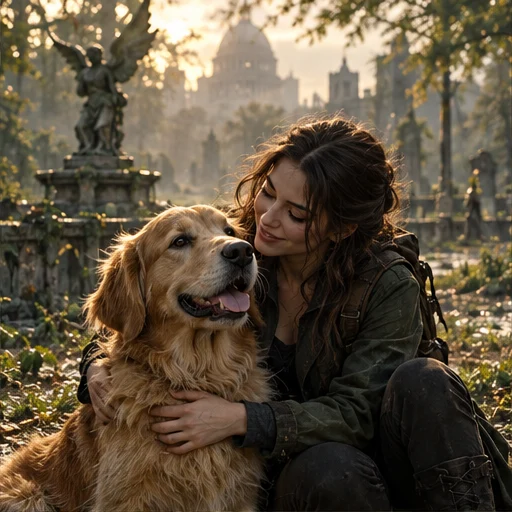
Example of a pet with a visible face
Front facing

Bad Photo Examples

These may lead to poor results or face distortion

Illustration of an overly blurry portrait
Blurry face
Illustration of a portrait that is too dark
Too dark
Illustration of a portrait with the eyes covered
Face covered

More Useful Tips

  • Use front-facing photos with visible faces

  • Choose natural and even lighting

  • Avoid hats, masks or heavy filters

SIMPLE, TRANSPARENT PRICING

Choose Your Next Story

Start small or create a little more. One-time credit packs. No subscription required.

Quick

$4.90one-time

300 credits · choose your video lengths

  • 300 credits
  • 1 × 5s videos
  • + 100 credits left for future videos
  • 5s / 10s / 15s · MP4
  • ≈ $ 4.90 / 5s video

Single

$9.90one-time

700 credits · choose your video lengths

  • 700 credits
  • 1 × 15s videos
  • + 200 credits left for future videos
  • 5s / 10s / 15s · MP4
  • ≈ $ 9.90 / 15s video

Creator

$69.90one-time

5,500 credits · mix your video lengths

  • 5,500 credits
  • 11 × 15s videos
  • 5s / 10s / 15s · MP4
  • ≈ $ 6.35 / 15s video

AI Zombie Live Zombie video tools compared

Compare scene, story and ending controls alongside price, audio and sign-in requirements.

Swipe to compare all platforms

AI Zombie Live — Zombie video tools compared
FeatureAI Zombie Liveaizombie.liveZombieHugaizombie.appAI Zombieaizombie.coZombie Hugaizombietrend.com
Scene controlsOptional memory-location noteSnow cabin, rainy city or ruined chapelClassic, pumpkin patch or marigold field
Story controlsPrepared reunion storyPrepared reunion storyPrepared reunion story
Ending controlsWarm memory ending on the reviewed pageWarm memory ending on the reviewed pageWarm memory ending on the reviewed page
Photo input2 photos2 photos2 photos
Clip length15s15s15s
AudioGenerated sound advertisedGenerated sound advertisedGenerated sound advertised
One-time purchase examples$9.99 / 15s · 720p$2.99 / 15s H3 trial; $6.90 Seedance pack$6.90 / 15s · 720p
Account neededNo sign-up advertisedSign-in requiredEmail checkout; no sign-in advertised
Published examplesSample render with stock actorsVideo examples alongside input photosVideo examples alongside input photos
Official sources:AI Zombie LiveZombieHugAI ZombieZombie Hug

Based on official public pages, not paid generation tests. Prices are in USD and may change; model tiers differ and credits are not interchangeable. AI outputs vary. A control not listed on a reviewed page may exist elsewhere.

Public pages checked: October 21, 2026.

ストーリーのアイデア

小さなひらめきから、無限の物語へ。

すばらしい物語は「もしも」から始まります。

作成する前に

AI Zombie よくある質問

写真、生成、音声、クレジット、完成動画について。

AIゾンビ動画生成ツールとは?

2枚の顔写真を短い架空のゾンビストーリーに変換します。1人は生存者、もう1人はゾンビとなり、AIが写真を参考にシーン、動き、音声を生成します。

写真は何枚必要ですか?

定番、ロマンス、ペットアドベンチャーでは鮮明な写真を2枚使います。各写真は同意した成人1人、または成人の飼い主とペットです。カスタムストーリーの友情では1〜4人の個別写真を使い、人間かゾンビの役割を設定できます。生成前に役割、設定、音声、クレジットを確認してください。

プロンプトや動画編集は必要ですか?

不要です。定番モードでは用意された再会の物語を、カスタムストーリーでは関係、シーン、再会・救出・脱出・変身の展開と3種類の結末を選べます。絵コンテが表示されたら確認してください。顔、動き、構図は変わる場合があります。

音声は含まれますか?

現在の設定:定番・カスタムストーリーは 音声設定を確認中…。ペット動画は 音声設定を確認中…。生成前にスタジオで音声を確認できます。BGMは選択肢があり、選択した場合のみ含まれます。デモの音楽はコピーされないため、完成動画をご確認ください。

動画の長さと画質は?

定番モードは5秒、15秒、利用可能な場合は30秒に対応。カスタムストーリーは15秒、ペット動画は5・10・15秒です。利用可能な長さと必要クレジットは生成前に表示されます。

次の物語はここから

終わらない恋の物語。

2枚の写真で、あなただけの特別な物語を。

ゾンビ動画を作成AIで作り、心に残す。