
Crie sua história de zumbis com IA

Gerador de vídeos de zumbis com IA

Transforme suas fotos em um vídeo de zumbis cinematográfico. Escolha o cenário, personalize a história e decida o final. Sem prompts nem edição.

  • Cenários personalizados
  • 4 enredos
  • 3 finais

O sobreviventeCharacter 1

Enviar uma fotoBest results with clear faces

O zumbiCharacter 2

Enviar uma fotoBest results with clear faces

Choose your scene

500 credits15s · 768p · MP4

Ready to create your AI zombie video?

O sobrevivente
O zumbi

15s · 768p · 9:16 · Verificando o áudio…

500 credits

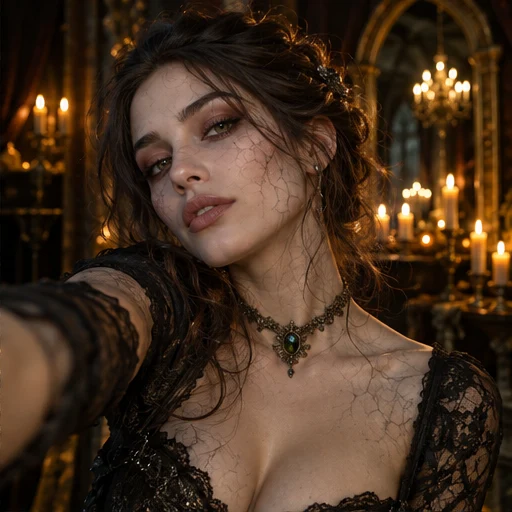
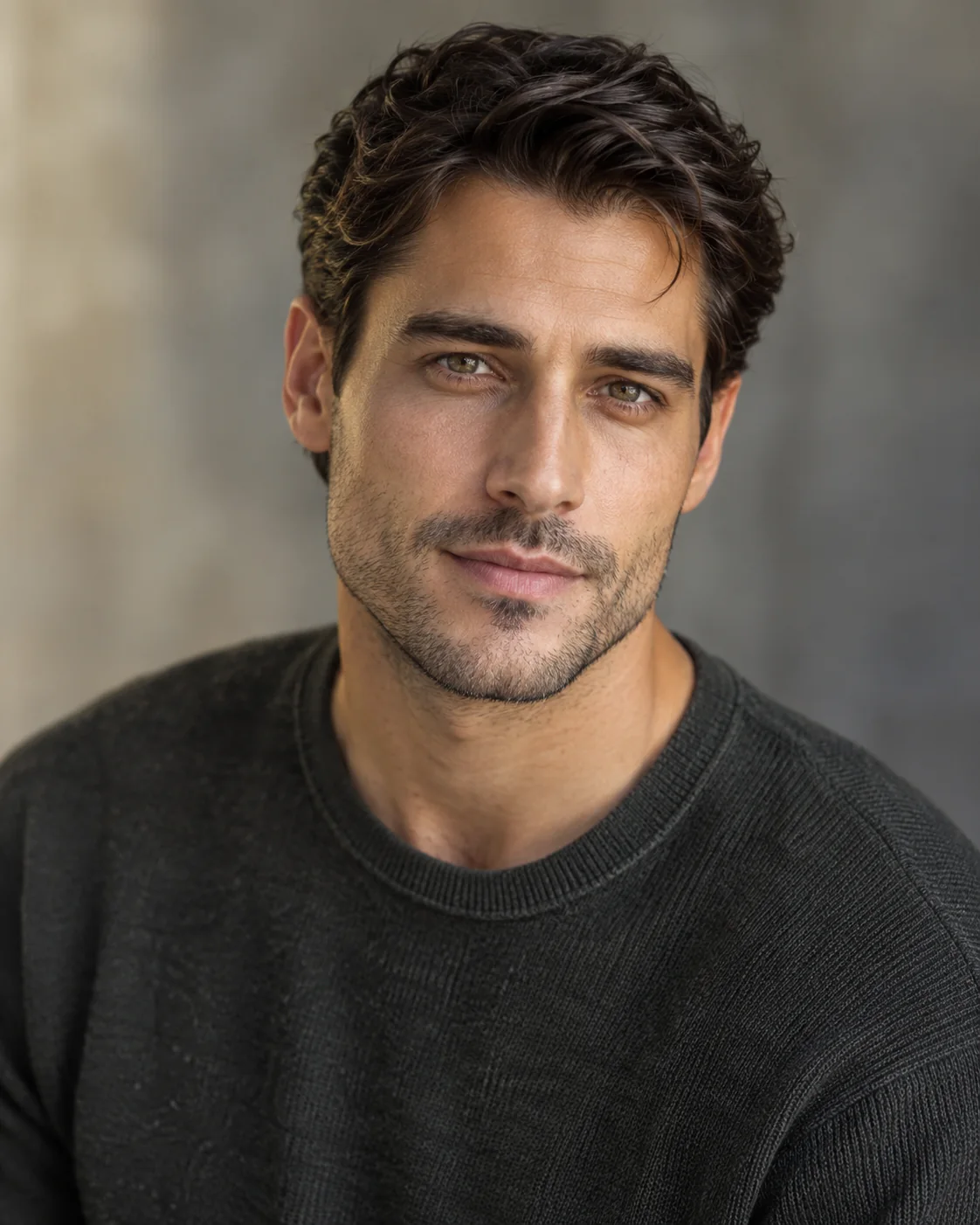
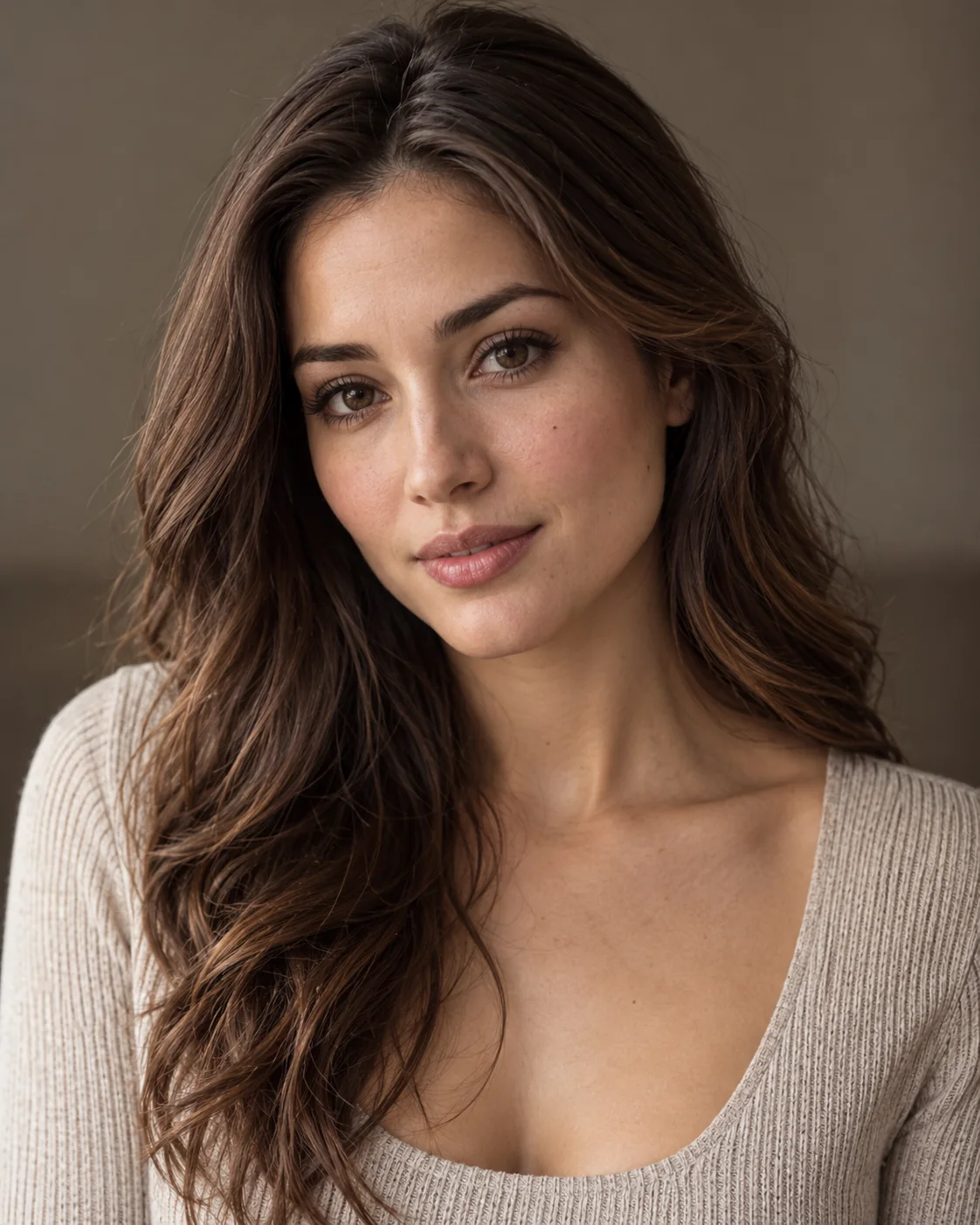
The first portrait is the survivor. The second is the person who turns into a zombie. Both photos guide an AI-generated reunion story.

HISTÓRIAS DE ZUMBIS COM IA

From Your Photos to a Zombie Story

Open a video to compare its original reference photos with the full output, story details and measured video properties. Illustrated ideas are labeled Story concept.

EXPLORE VARIAÇÕES

Estilos diferentes.
Uma história inesquecível.

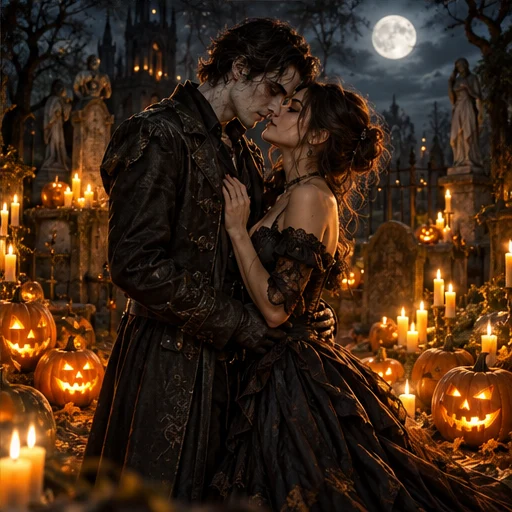
Experimente estilos para seu vídeo de zumbis. Do romance ao suspense, encontre o cenário ideal.

COMO FUNCIONA

Suas fotos. Sua história de zumbis.

Escolha o elenco, prepare a história e revise seu vídeo. Sem prompts nem edição.

  1. Envie suas fotos

    Use duas fotos para Clássico, Romance ou Pets. Para Amizade, envie de 1 a 4 retratos e atribua os papéis.

    Enviar uma fotoJPG, PNG ou WebP · Máx. 8 MB por foto
    Testar retratos de exemplo
    O sobrevivente
    O sobrevivente
    O zumbi
    O zumbi
  2. Prepare sua história

    Use a história clássica ou escolha relação, enredo e final no modo personalizado. Ajuste o vídeo se precisar.

    RelaçãoCasalCasal
    EnredoReencontro
    FinalEmocionante
    Gerar vídeo

    Escolha cenário e configurações

    CenaMovimentoSom
  3. Gere e baixe

    Revise o storyboard quando aparecer e gere o vídeo. Confira o resultado e o áudio antes de compartilhar.

    15s
    Demonstração ilustrativa; não é um caso verificado de entrada e saídaBaixar exemploCompartilhar inspiraçãoMP4 Som
Ler o guia de criação
WHAT’S TRENDING

What is the
AI Zombie Live Trend?

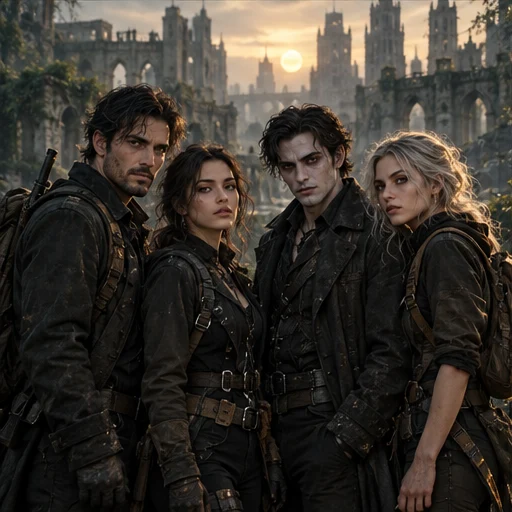
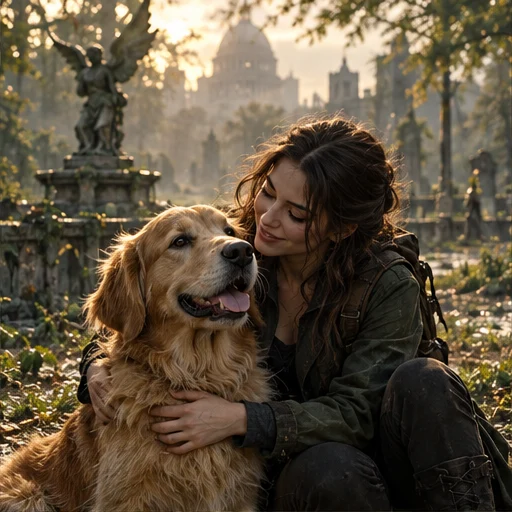
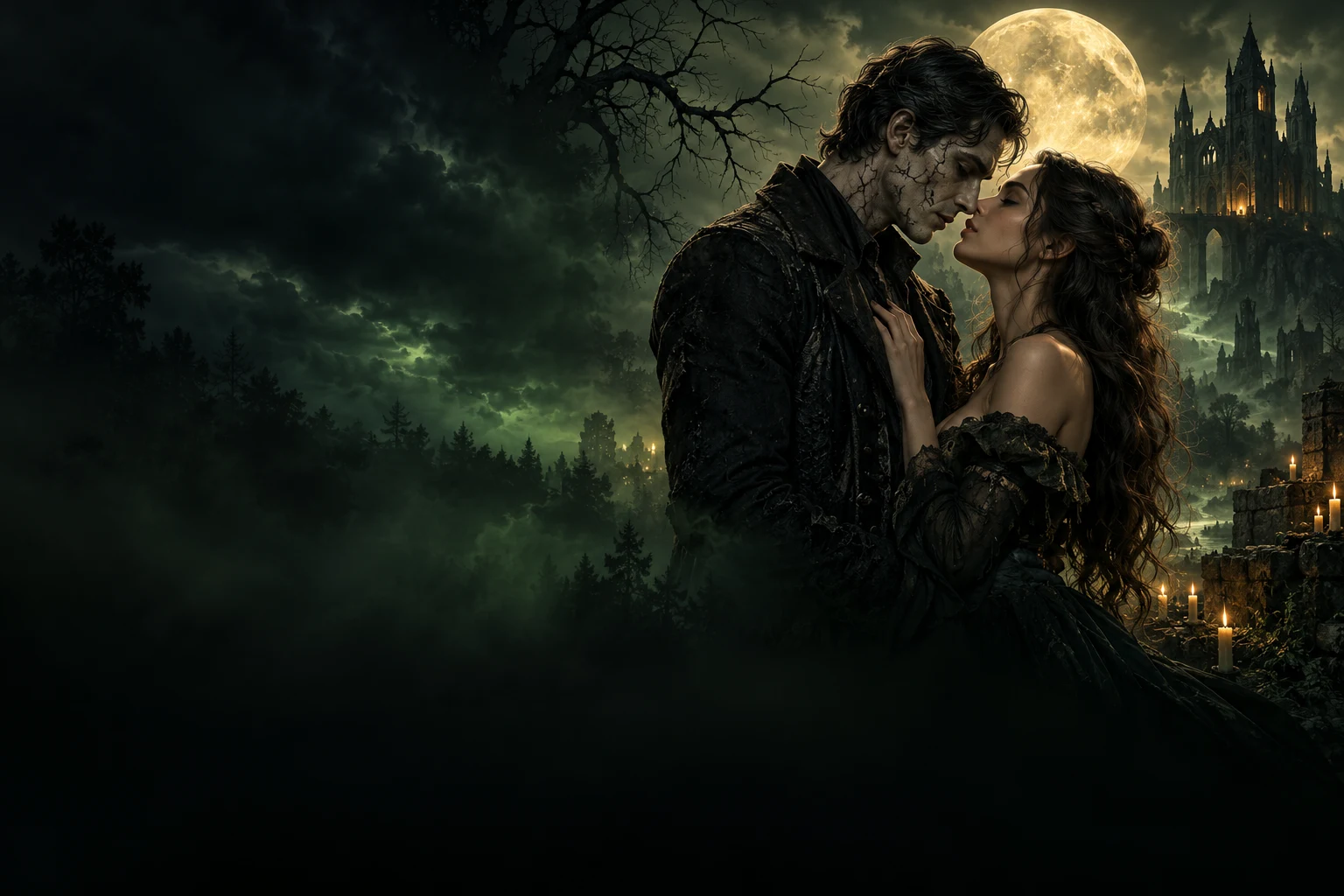
AI Zombie Live transforms ordinary photos into cinematic zombie love stories and emotional apocalypse scenes. Couples, friends, and pets become the stars of a moody, unforgettable story world.

INSIDE THE STORY

Key moments inside the AI Zombie Live video

  1. 010 – 2 s

    The first glance

    A close, intimate opening where the characters face each other and the mood is set instantly.

  2. 022 – 4 s

    The transformation

    A subtle undead shift appears through makeup, texture, and cinematic tension.

  3. 034 – 6 s

    The approach

    They move closer through fog, moonlight, and emotion, pulling the story forward.

  4. 046 – 8 s

    The touch

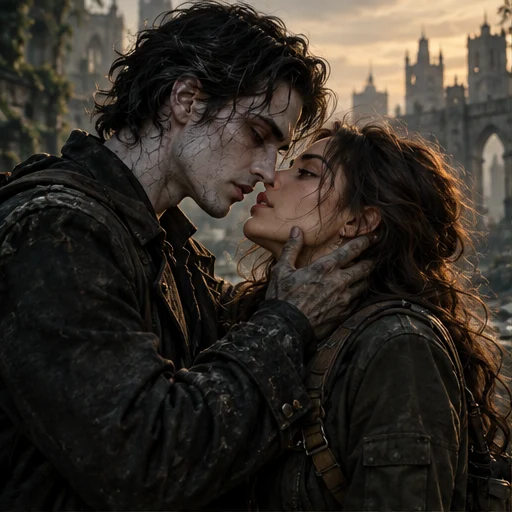
    A hand reaches in, creating the emotional connection that anchors the whole scene.

  5. 058 – 11 s

    The embrace

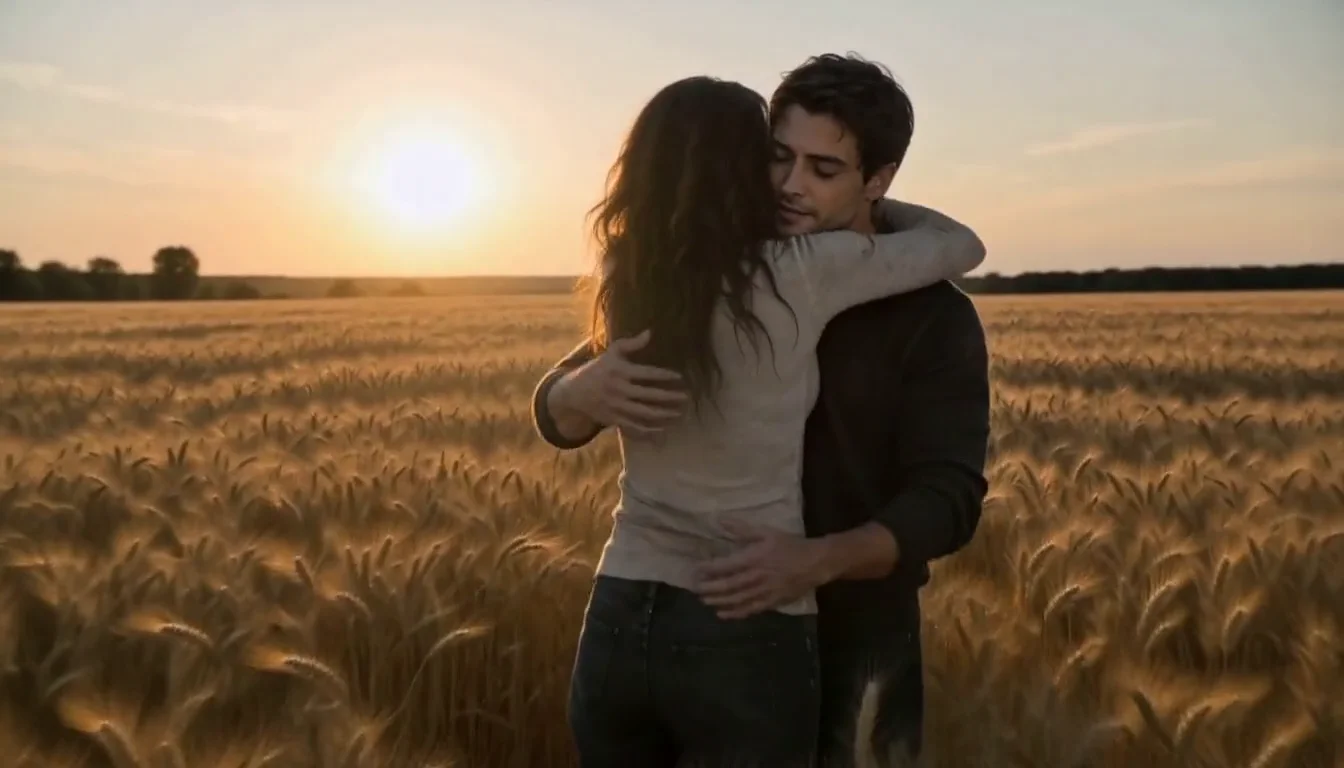
    Love, friendship, or companionship survives the apocalypse in a dramatic close moment.

  6. 0611 – 15 s

    The final reveal

    The full AI Zombie Live scene lands with a memorable, cinematic ending ready to share.

The look: dark romance, cinematic green atmosphere, emotional tension, and a story-led undead world.

PRODUCT FACTS

AI Zombie Live at a Glance

Everything you need to know about the AI Zombie Live Video Generator.

What it does
Turns your character photos into a cinematic zombie-themed video featuring the people or pets in your photos.
Input
2 photos for Classic, Romance or Pet Adventure; 1–4 individual portraits for Friendship, in either the human or zombie group.
Output
MP4 in 9:16 portrait or 16:9 landscape. Classic: 5s / 15s / 30s when available; Custom Story: 15s; Pet: 5s / 10s / 15s. Resolution and audio are shown for the selected mode in the studio.
Video styles
Classic Zombie Trend, or Custom Story with couple, friends and pet relationships, four plots — reunion, rescue, escape or transformation — and three endings: warm memory, escape together or infection twist.
Audio
Classic & Custom Story: Verificando o áudio…. Pet video: Verificando o áudio…. Music is optional when available; check the selected mode in the studio.
Price
Reference price: 500 credits for 15s. Check the studio quote for your selected mode and settings before generating.View pricing
Generation time
Usually a few minutes. Queue and processing times can vary with server load.
No editing needed
Completely automatic. No video editing skills required.
Photo requirements
Use clear, well-lit photos with visible, front-facing faces. Avoid blur, darkness and heavy obstructions.
Privacy & usage
Only use photos you have permission to use. Review the upload privacy options.Learn more
If it fails
Video credits are returned automatically if generation fails.
PHOTO TIPS

Use Clear Photos
for the Best Results

Better photos lead to more realistic and cinematic zombie videos. Follow these simple tips when uploading your photos.

Good Photo Examples

Clear face, good lighting, front facing

Example of a clear, front-facing portrait
Clear face
Example of a portrait in even lighting
Good lighting
Example of a pet with a visible face
Front facing

Bad Photo Examples

These may lead to poor results or face distortion

Illustration of an overly blurry portrait
Blurry face
Illustration of a portrait that is too dark
Too dark
Illustration of a portrait with the eyes covered
Face covered

More Useful Tips

  • Use front-facing photos with visible faces

  • Choose natural and even lighting

  • Avoid hats, masks or heavy filters

SIMPLE, TRANSPARENT PRICING

Choose Your Next Story

Start small or create a little more. One-time credit packs. No subscription required.

Quick

$4.90one-time

300 credits · choose your video lengths

  • 300 credits
  • 1 × 5s videos
  • + 100 credits left for future videos
  • 5s / 10s / 15s · MP4
  • ≈ $ 4.90 / 5s video

Single

$9.90one-time

700 credits · choose your video lengths

  • 700 credits
  • 1 × 15s videos
  • + 200 credits left for future videos
  • 5s / 10s / 15s · MP4
  • ≈ $ 9.90 / 15s video

Creator

$69.90one-time

5,500 credits · mix your video lengths

  • 5,500 credits
  • 11 × 15s videos
  • 5s / 10s / 15s · MP4
  • ≈ $ 6.35 / 15s video

AI Zombie Live Zombie video tools compared

Compare scene, story and ending controls alongside price, audio and sign-in requirements.

Swipe to compare all platforms

AI Zombie Live — Zombie video tools compared
FeatureAI Zombie Liveaizombie.liveZombieHugaizombie.appAI Zombieaizombie.coZombie Hugaizombietrend.com
Scene controlsOptional memory-location noteSnow cabin, rainy city or ruined chapelClassic, pumpkin patch or marigold field
Story controlsPrepared reunion storyPrepared reunion storyPrepared reunion story
Ending controlsWarm memory ending on the reviewed pageWarm memory ending on the reviewed pageWarm memory ending on the reviewed page
Photo input2 photos2 photos2 photos
Clip length15s15s15s
AudioGenerated sound advertisedGenerated sound advertisedGenerated sound advertised
One-time purchase examples$9.99 / 15s · 720p$2.99 / 15s H3 trial; $6.90 Seedance pack$6.90 / 15s · 720p
Account neededNo sign-up advertisedSign-in requiredEmail checkout; no sign-in advertised
Published examplesSample render with stock actorsVideo examples alongside input photosVideo examples alongside input photos
Official sources:AI Zombie LiveZombieHugAI ZombieZombie Hug

Based on official public pages, not paid generation tests. Prices are in USD and may change; model tiers differ and credits are not interchangeable. AI outputs vary. A control not listed on a reviewed page may exist elsewhere.

Public pages checked: October 21, 2026.

IDEIAS DE HISTÓRIAS

Um pouco de inspiração. Histórias sem fim.

Toda grande história começa com “e se…?”

ANTES DE CRIAR

Perguntas sobre AI Zombie

Fotos, geração, som, créditos e seu vídeo finalizado.

O que é um gerador de vídeos de zumbis com IA?

Transforma dois retratos em uma curta história fictícia de zumbis. Uma pessoa é sobrevivente e a outra vira zumbi. A IA cria cenas, movimento e som usando as fotos como referência.

De quantas fotos preciso?

Use duas fotos nítidas nos modos Clássico, Romance ou Aventura com pet: um adulto com consentimento por retrato, ou um adulto e seu pet. História personalizada → Amizade aceita de 1 a 4 retratos individuais com papéis humanos ou zumbis. Confira papéis, opções, áudio e créditos antes de gerar.

Preciso escrever um prompt ou editar o vídeo?

Não. Escolha Clássico para um reencontro preparado, ou História personalizada para definir relação, cenário, reencontro, resgate, fuga ou transformação e um de três finais. Revise o storyboard quando disponível. Rostos, movimentos e cenas podem variar.

O vídeo de zumbis inclui som?

Configurações atuais — Clássico e História personalizada: Verificando o áudio…. Pets: Verificando o áudio…. O estúdio mostra o áudio antes de gerar. Música só é incluída quando a opção está disponível e selecionada. Confira o vídeo final; a trilha do exemplo não é copiada.

Quais durações e qualidades estão disponíveis?

Clássico oferece 5 e 15 segundos e, quando disponível, 30 segundos. História personalizada usa 15 segundos. Vídeos de pets oferecem 5, 10 ou 15 segundos. As opções e o custo em créditos aparecem antes de gerar.

SUA PRÓXIMA HISTÓRIA COMEÇA AQUI

Algumas histórias de amor nunca morrem.

Crie algo extraordinário. Duas fotos bastam.

Criar meu vídeo de zumbisFeito com IA. Guardado na sua memória.