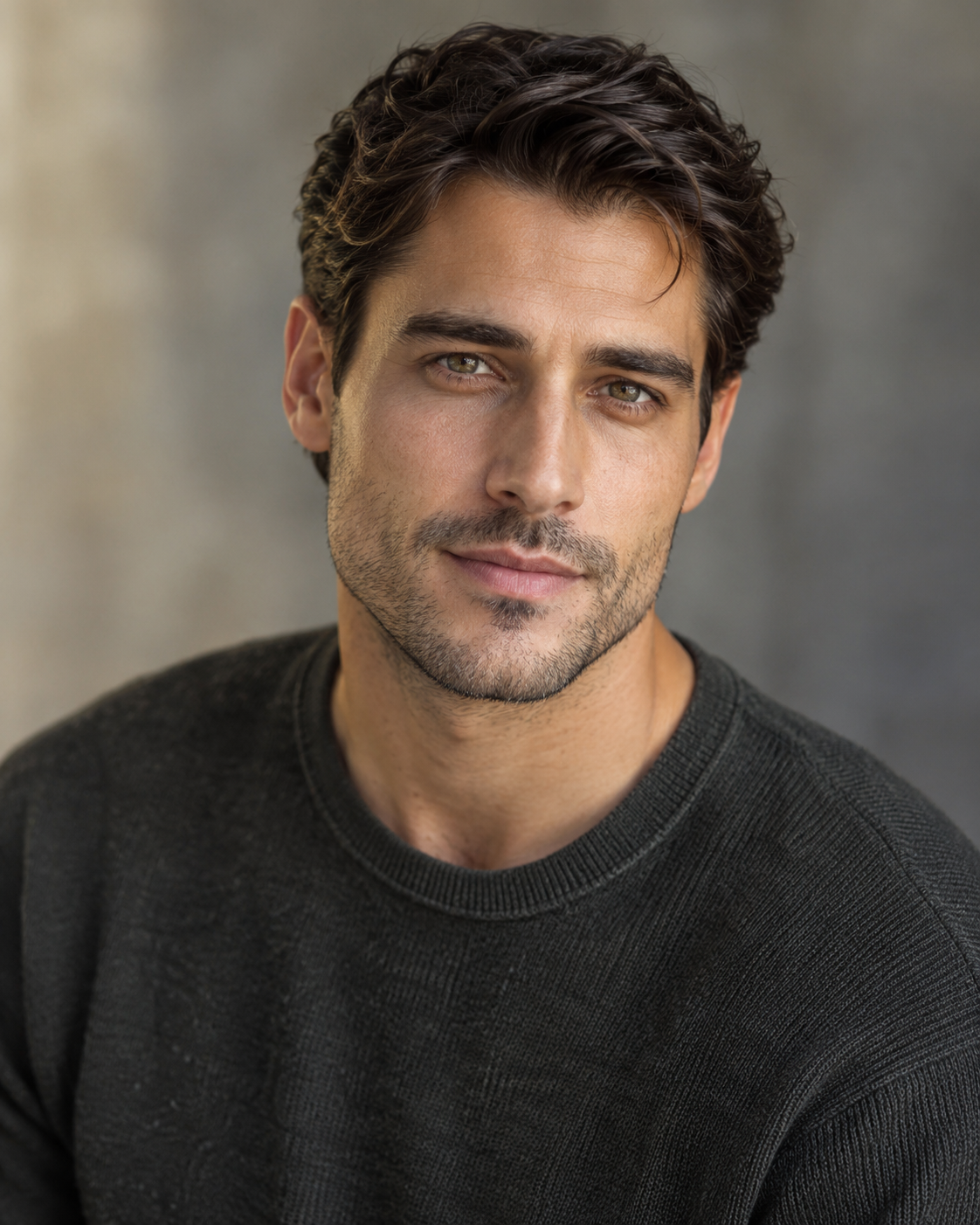
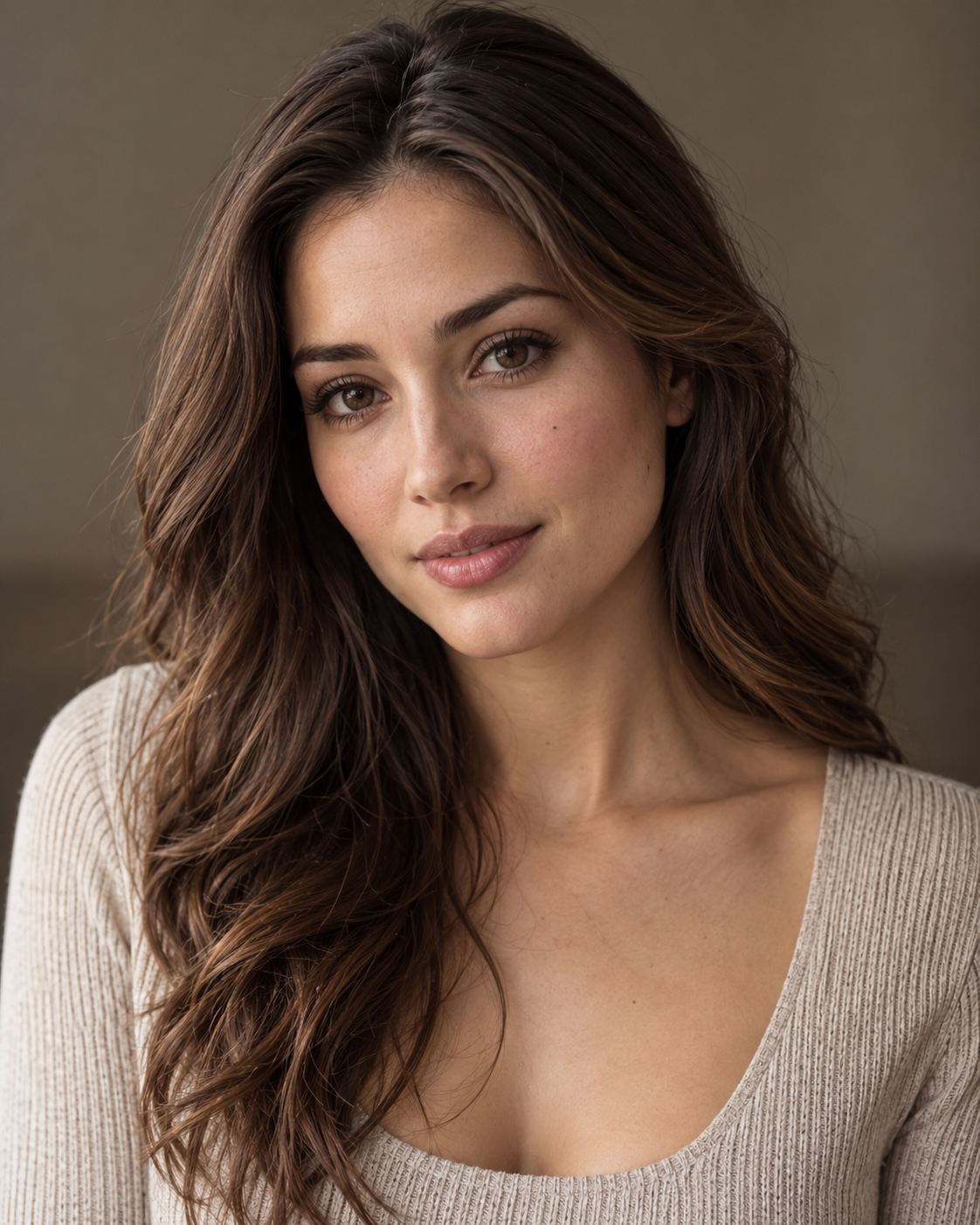
Upload two clear photos
Add one portrait of each person. Photo 1 is the survivor; Photo 2 becomes the zombie. Use clear faces and photos you have permission to use.
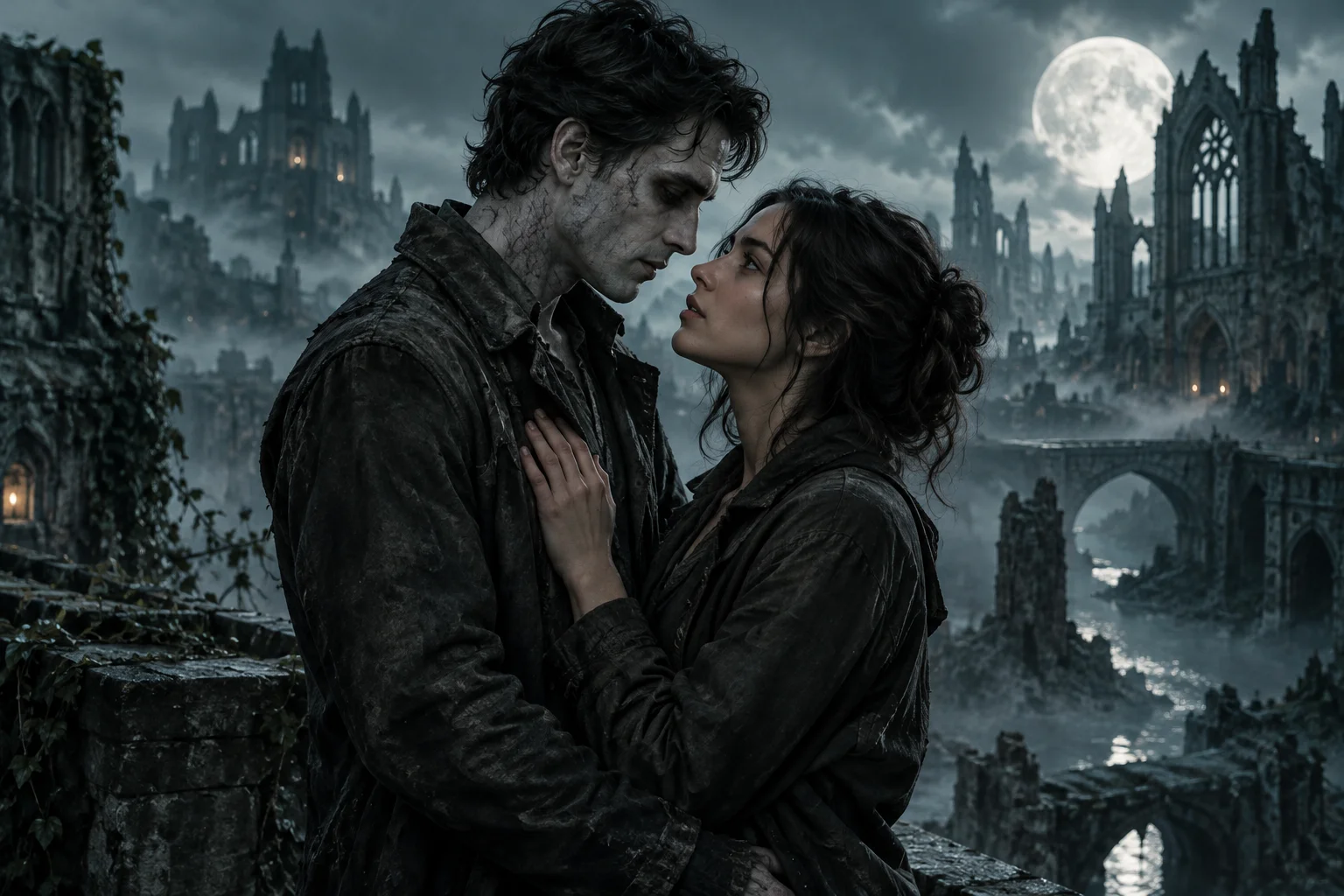
TWO PHOTOS. ONE UNFORGETTABLE REUNION.
Turn two portraits into a cinematic zombie love story with AI-generated sound. One person survives. The other has turned. What happens next is a story neither of you will forget.
No prompt needed. Review the credit cost before creating.
Two portraits. Choose who survives and who turns.
An account is required to generate and save a video. You can prepare photos first, or sign in now.
The survivorCharacter 1
The zombieCharacter 2
Your two photos go to the selected model service for generation. Saved videos remain in your account until you delete them; provider copies follow its own retention policy. The current service is shown once settings load.
Photo privacy and retentionSample video size preview
Sample video cropped to the selected frame.9:16 · PortraitYour credit cost is shown above. Output settings depend on the selected model.
Drafts expire 24 hours after your latest studio activity and are cleared when next opened. Clear photos above to remove this draft now.
TWO PORTRAITS → ONE STORY
Two ordinary portraits become one dramatic reunion. Four moments from the same example film.
Three steps. No detailed prompt or video timeline required.
Add one portrait of each person. Photo 1 is the survivor; Photo 2 becomes the zombie. Use clear faces and photos you have permission to use.
Swap the survivor and zombie roles if you want to. Choose 5, 10 or 15 seconds and an available frame setting. Review your credit cost.
Let AI create your zombie love story with motion and generated audio. Watch the finished video, then download it to share with your partner or friends.
More than a transformation. A short story built around your two portraits.
Both portraits become character references. Turn your couple photos into a cinematic zombie romance.
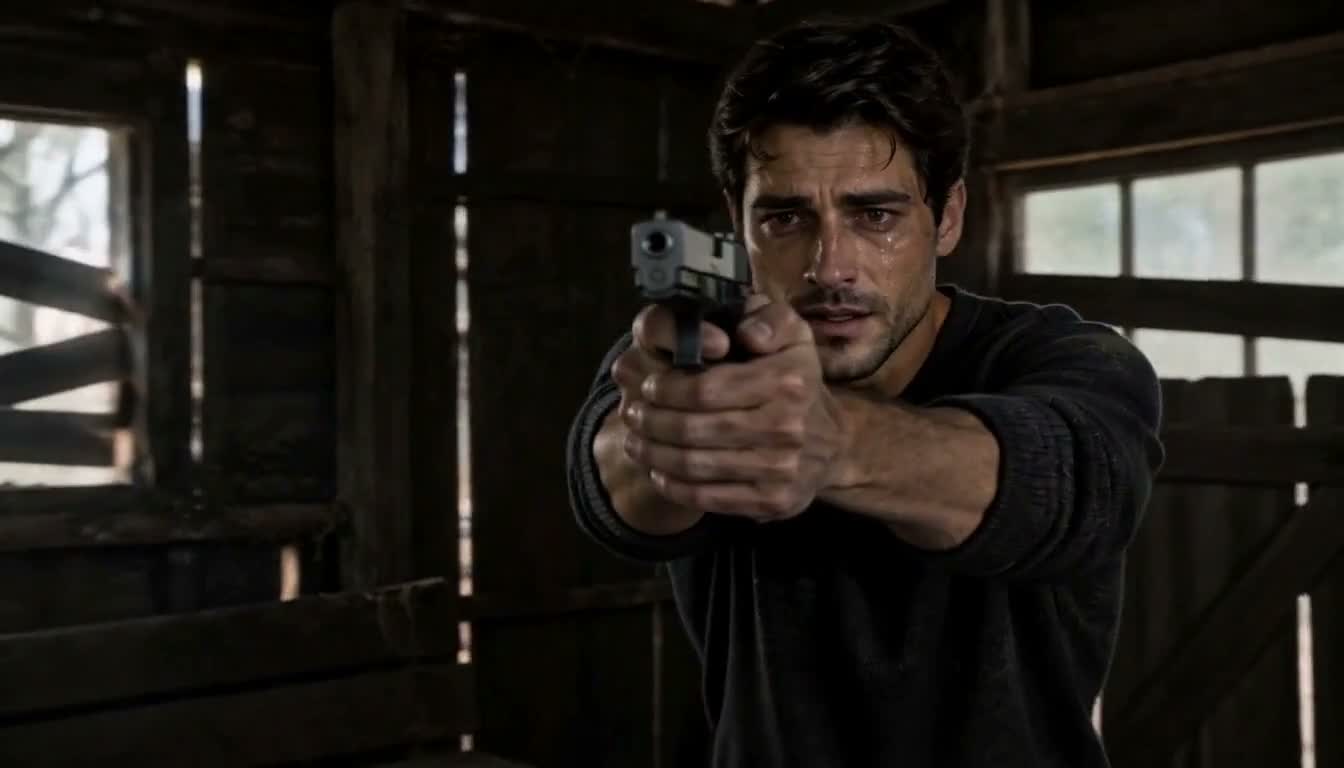
No screenplay or camera plan needed. A ready-made story direction takes you from a dark encounter to a warm memory.
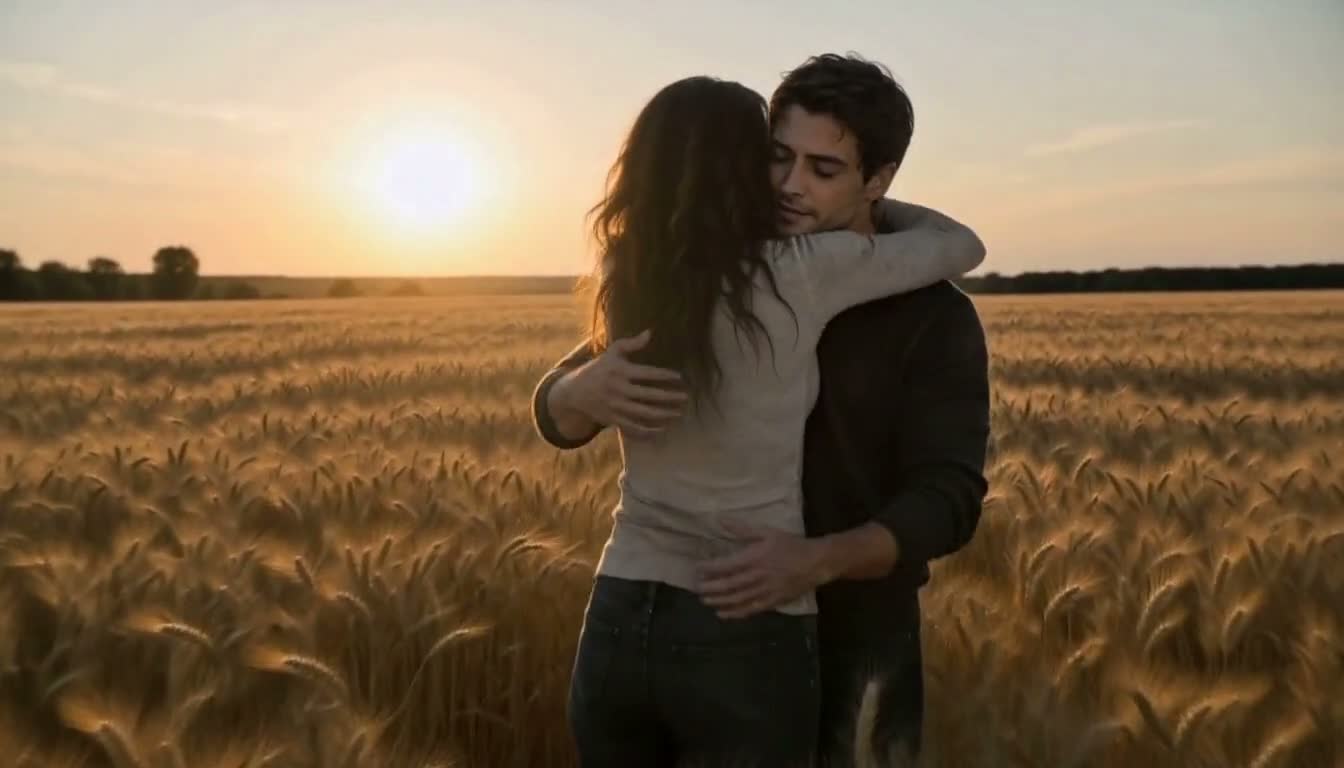
AI generates movement and audio in one video. Review your finished clip before sharing.
Love never dies.LOVE REMEMBERS
Your story begins in a world where someone familiar has changed. The survivor recognizes the face they love but cannot ignore what has happened. As the tension rises, a simple choice changes the scene: step away, or reach out.
AI Zombie turns that idea into a short fictional video inspired by your portraits. The story can move from a dark encounter to a warm memory, mixing suspense, romance and the feeling of seeing someone again.
Create Your Zombie Love StoryFor the people you would recognize in any world.
Reimagine your relationship as a dramatic reunion beyond the ordinary.
Turn two favorite portraits into a surprising story to watch together.
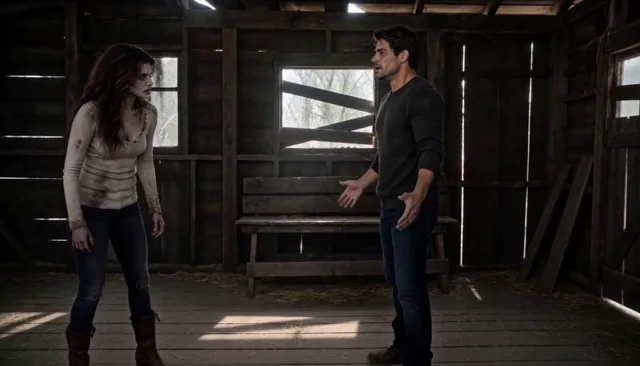
Make a short zombie romance to share with your partner or friends.
A BETTER FIRST TAKE
YOUR STORY, YOUR LENGTH
Choose 5, 10 or 15 seconds. Generated audio is included, and the studio shows the credit cost before you create.
| Length | Credit cost | Sound |
|---|---|---|
| 5s | 200 credits | |
| 10s | 300 credits | |
| 15s | 500 credits |
Available output settings and final resolution depend on the selected video model.
View Credits & PricingTWO PHOTOS. A STORY ONLY YOU CAN TELL.
Upload two portraits, choose who survives and who turns, and see your story unfold.
Create Your Zombie Love StoryNo prompt needed. Just two photos and a little imagination.Everything you need to know before your first zombie love story.
It is a short, fictional AI-generated video in which one person survives a zombie outbreak while someone they know has turned. Use two portraits as references to create a cinematic reunion story with sound.
Upload one clear adult portrait as the survivor and a second as the zombie. Choose your video settings, confirm permission to use the photos, review the credit cost and generate your video.
No. The generator includes a ready-made story direction. Start with your photos and choose from the settings shown in the studio.
Yes. Photo 1 is the survivor and Photo 2 becomes the zombie. You can swap their roles before creating the video.
Yes. The video model generates sound along with the visuals. Audio and scene details may vary between generations.
The studio offers 5-, 10- and 15-second options. Review the generator settings for the current model and available output formats.
Yes, provided they are an adult and have given you permission to use their photo for AI video generation.
Generation uses credits. The studio displays the credit cost before you create a video. You can also review the current plans on the pricing page.