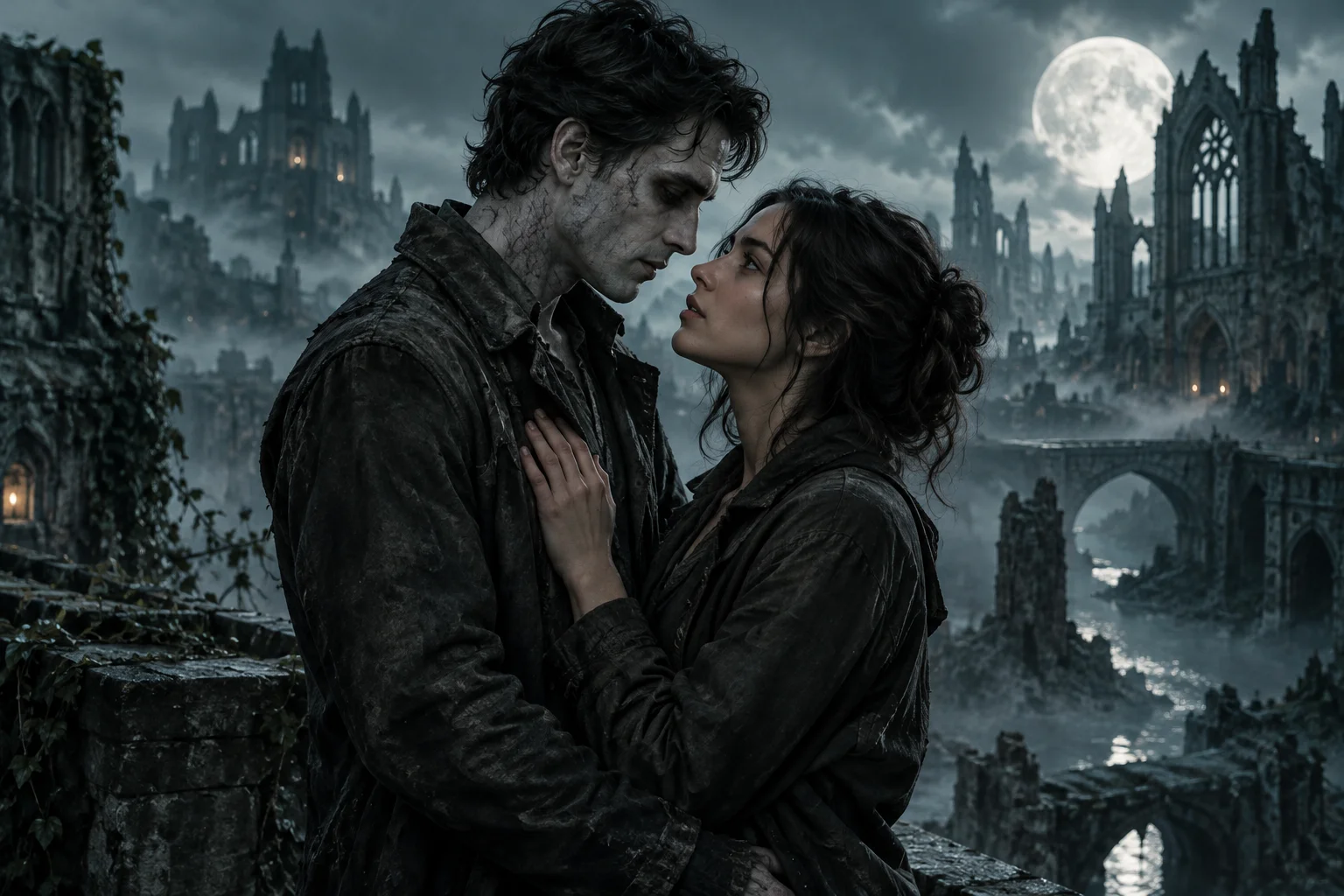
TWO PHOTOS. ONE ZOMBIE LOVE STORY.

AI Zombie
Video Generator

Turn your photos into a cinematic zombie story with AI Zombie. Cast yourself and your partner, a friend or your pet in a thrilling, romantic video — no editing skills needed.

Two photos to videoAI-generated storyCinematic quality
Two characters5s / 10s / 15s video200–500 credits
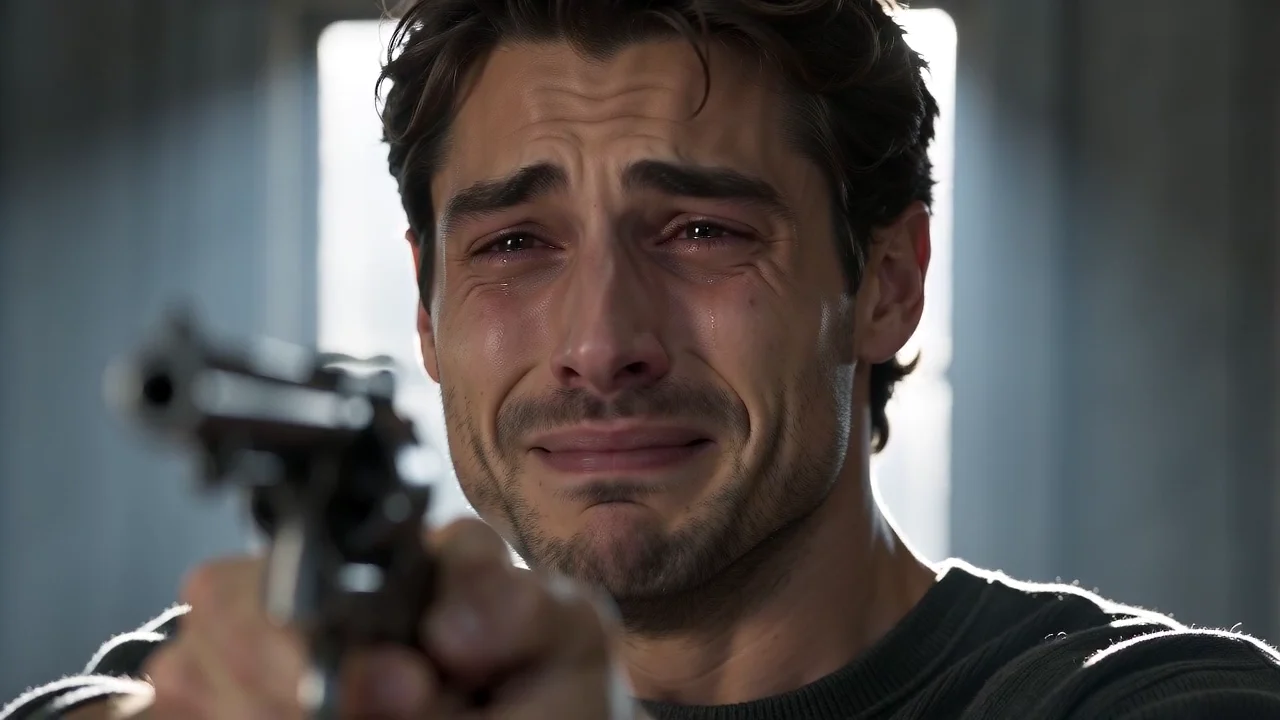
A tearful survivor hesitates in a dark barn in the zombie story demoLove never dies.STORY DEMO

Create your own AI zombie video

Upload two photos. Let AI turn them into a cinematic zombie story.

  1. 1Upload
  2. 2Settings
  3. 3Generate

An account is required to generate and save a video. You can prepare photos first, or sign in now.

The survivorCharacter 1

Upload a photoOr drop a photo here
Best results with clear faces

The zombieCharacter 2

Upload a photoOr drop a photo here
Best results with clear faces

Your two photos go to the selected model service for generation. Saved videos remain in your account until you delete them; provider copies follow its own retention policy. The current service is shown once settings load.

Photo privacy and retention

Sample video size preview

Sample video cropped to the selected frame.9:16 · Portrait
Checking output settings…
The frame shape is shown here; final pixel dimensions are confirmed after generation.
Checking output settings…AI-generated soundNo prompt needed
500 credits15s · Checking output settings… · MP4

Your two original photos go directly into video generation. Credits are charged once; no character image generation step.

Drafts expire 24 hours after your latest studio activity and are cleared when next opened. Clear photos above to remove this draft now.

Ready to create your AI zombie video?

The survivor
The zombie

15s · 720p · 9:16 · AI-generated sound

500 credits

The first portrait is the survivor. The second is the person who turns into a zombie. Both photos guide an AI-generated reunion story.

HOW IT WORKS

Two photos to a zombie story.

Read the creation guide
  1. Upload your photos

    Choose two clear photos: one survivor, and a partner, friend or pet who becomes the zombie.

  2. Set up your story

    Choose your cast, check the roles and confirm permission. Cinematic style, 5s, 10s or 15s, with output settings based on the selected model.

  3. Generate and download

    Let AI create your cinematic zombie video with sound. Watch, download and share your story.

AI ZOMBIE VIDEO SHOWCASE

Watch the story before you create.

Explore playable demos, a credited pet reference, and a friends storyboard. Sample sources and available formats are explained in the gallery.

Explore the stories

Zombie love story

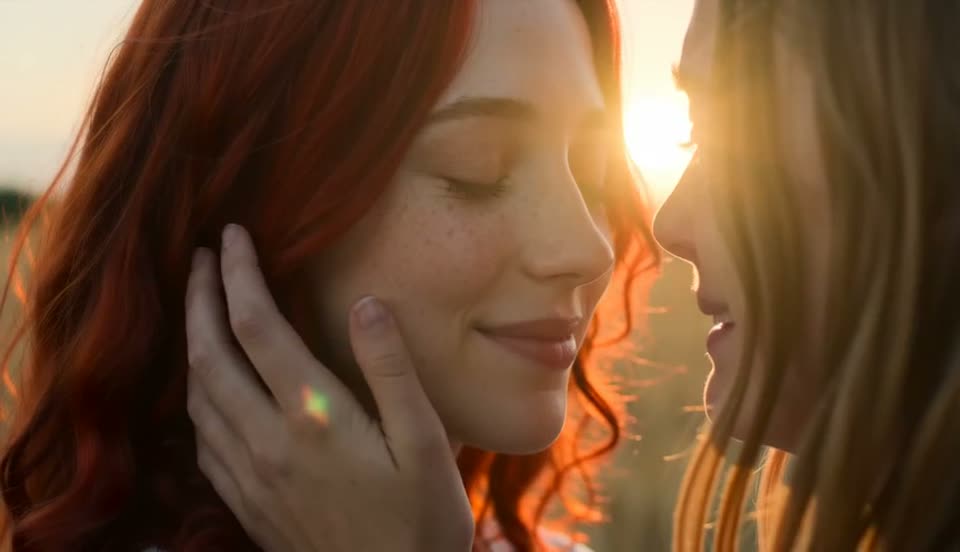
A survivor hesitates, recognizes a transformed loved one, and moves from a cold barn encounter to a warm reunion. English scene captions describe the visual beats.

15s · Illustrative demo · not a verified studio result

Explore the love story generator →
Survival thriller

A close-up of the survivor builds tension before the encounter. Use this as a framing study; the studio currently creates a reunion story rather than a separate survival preset.

15s · Illustrative demo · not a verified studio result

Read the shot and photo guide →

Demos illustrate story direction, not guaranteed output. The friends concept has no finished video yet.

WHY CREATE WITH AI ZOMBIE

More than just a video.

Cinematic quality

Movie-like visuals, camera movement and generated sound.

AI-generated story

A four-scene zombie story built around your characters.

No editing skills

Upload your photos. The story and direction are ready.

A story to share

Create with your partner, a friend or your pet.

Two printed memories from a cinematic zombie love story
A tearful survivor hesitates in a dark barn in the zombie story demo
Some memories never die.
Your story. Their nightmare.
UNDERSTAND THE AI ZOMBIE TREND

A four-beat story from two photos.

Establish the survivor, reveal the transformed character, pause for recognition, then end with a reunion. Learn the shot structure and compare a ready-made generator with a custom prompt or edited sequence.

Two photos, one cinematic storyA ready-made plot with four story beatsAI-generated motion, sound and atmosphereYour characters, reimagined in a zombie world
Explore the trend and shot list
EXPLORE AI ZOMBIE STORIES

Find your zombie story.

Choose a story direction, see available footage, and find the steps for your cast.

See the examples

One story, one clear credit quote.

5 seconds: 200 credits · 10 seconds: 300 · 15 seconds: 500. Start with a $4.90 pack, or compare larger packs and monthly credits.

View all pricing
BEFORE YOU CREATE

AI Zombie FAQ

Photos, generation, sound, credits and your finished video.

What is an AI zombie video generator?

An AI zombie video generator turns two portrait photos into a short fictional zombie story. One person is the survivor and the other becomes a zombie. AI generates the scenes, motion and sound using both photos as character references.

How do I make an AI zombie video from two photos?

Upload a clear photo of each consenting adult, or one adult and their own pet. Choose your cast and video duration, check survivor and zombie roles, confirm permission, and review the credit quote. Your finished video appears in My videos.

Do I need to write a prompt or edit the video?

No. The zombie reunion story direction is built in. Upload your photos and the generator creates a cinematic transformation and warm reunion. Scenes and character details can vary with each generation.

Does the AI zombie video include sound?

Yes. The model generates sound with the video. It does not copy the preview’s original soundtrack. Review your completed clip to check the audio and motion before sharing.

What video length and quality are supported?

Choose 5, 10 or 15 seconds. Vertical 9:16 is the default when supported, with landscape 16:9 and square 1:1 alternatives. The studio shows the current model’s actual resolution (such as 720p or 768P) before generation; exact pixels vary by format.

YOUR NEXT STORY STARTS HERE

Create your own AI zombie love story.

Start with two photos. Cast the survivor and the zombie, then turn your portraits into a cinematic reunion with sound.

Open the studio
2Photos to upload
5–15sVideo with sound
200–500Credits per video